-
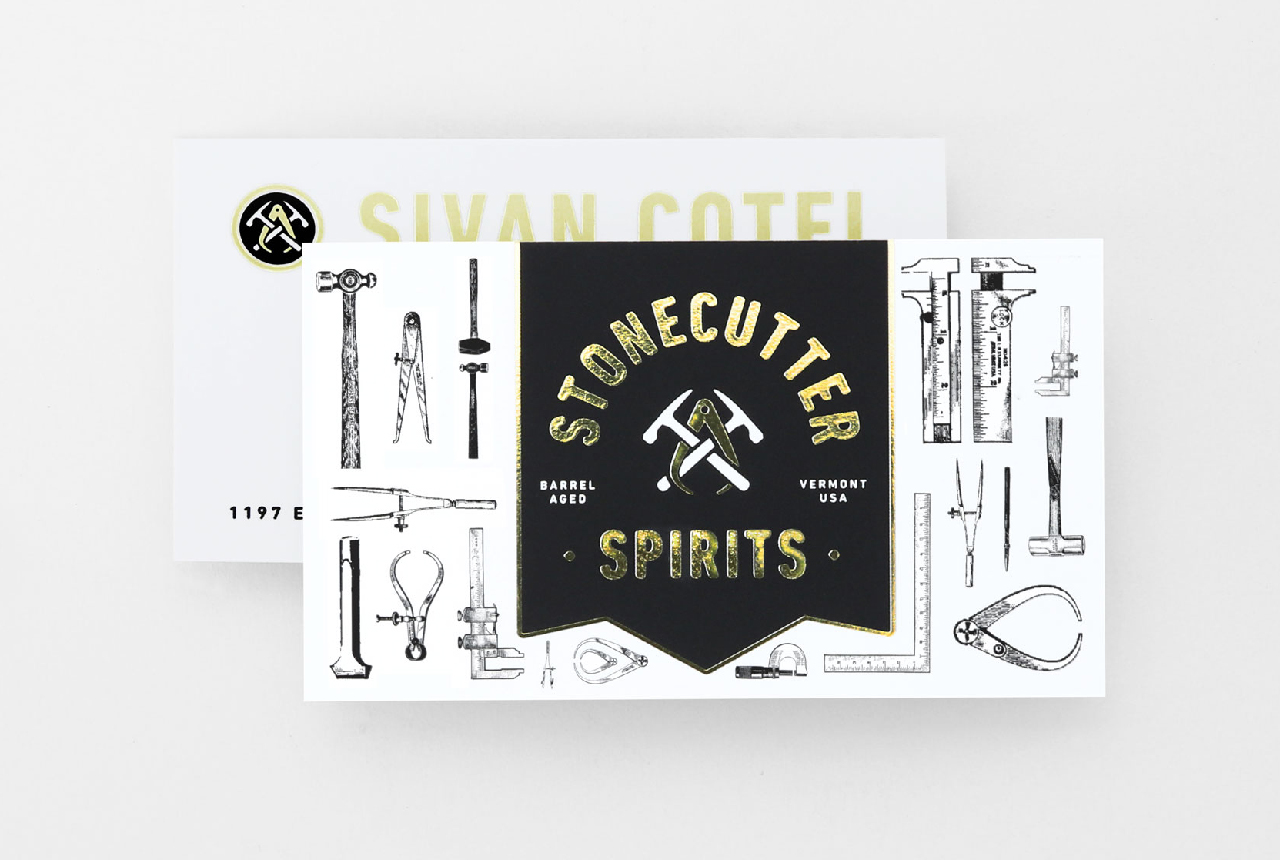
Foil Printing FAQ
Have a question about custom foil printing? Check out these foil printing FAQ and learn what foil colors are available, how to indicate foil on your print-ready file, what stocks to pair your foil with and more. Want a quick crash course on how to add foil to your project? Here you go: Foil […]
Read more› -
Printing Methods 101
The diversity and scope of the printing industry can be pretty overwhelming if you’re just getting started as a designer or find yourself suddenly responsible for your company’s print procurement. Even a little knowledge of both historic and developing printing methods is important in order to understand the capabilities and unique aspects of each. […]
Read more› -
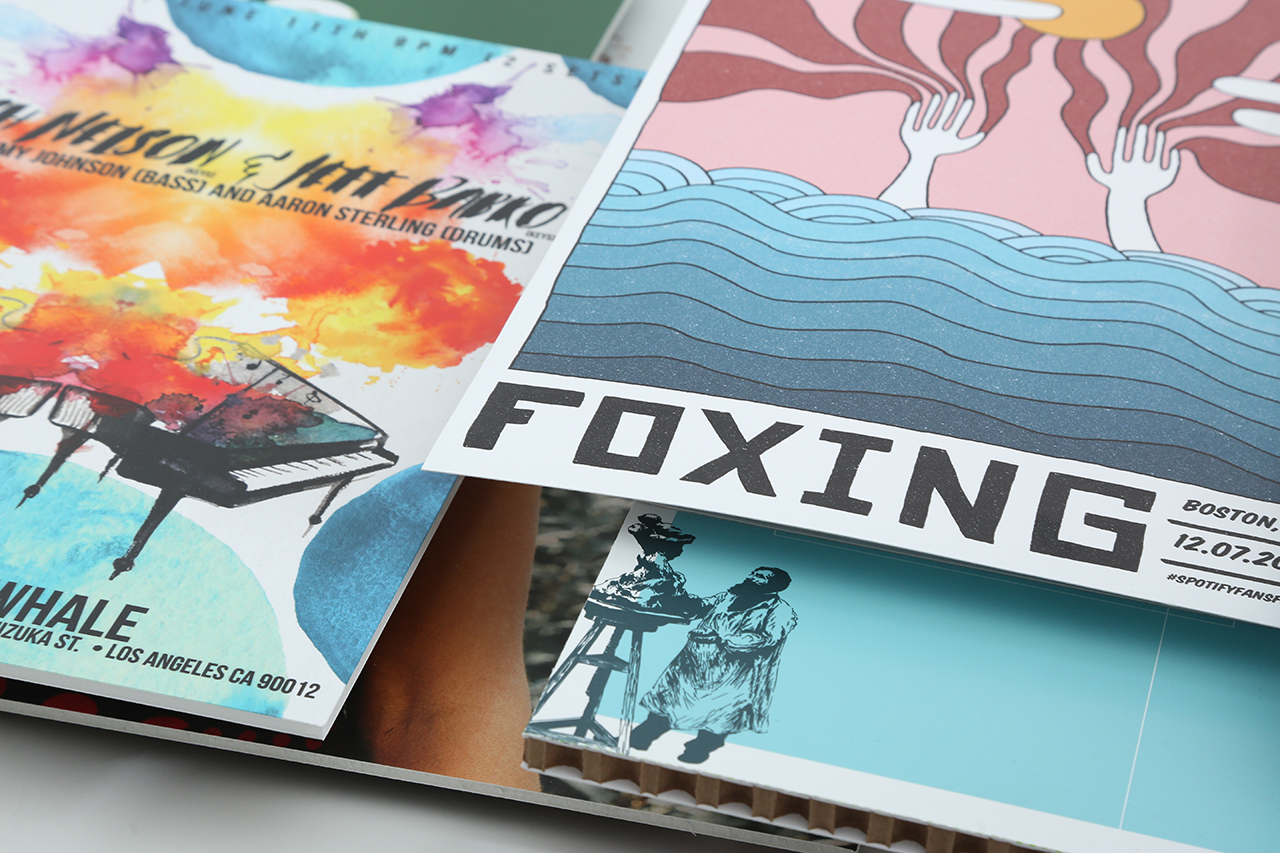
Sign Printing FAQ
Have a question about printing custom signs? Check out these sign printing FAQ and learn about sign substates, die cutting, maximum dimensions, installation and more. A-Frame Sidewalk Signs What’s the stand made of? Stands for A-Frame Sidewalk Signs are made of durable Signicade® plastic. We offer white and black A-frame stands. What are the […]
Read more› -
Ink Technology: Aqueous, Latex, UV Ink and More
Smartpress’ online printing services include an impressive large format digital printer fleet consisting of four different ink technologies: aqueous, UV ink, latex and disperse dye-sublimation. Each ink set has its own capabilities, limitations and benefits. For example, we aren’t able to print aqueous ink or latex ink onto a rigid substrate but we can […]
Read more› -
How to Use Canva for Print
Designing with Canva is a great option for anyone new to design. Because of the thousands of images, graphics and design elements you simply drag and drop into Canva templates, creating marketing assets and personal projects with this platform is easy. Below, you’ll find out how to use Canva to create print designs and get […]
Read more› -
Print Points FAQ
Have a question about our Print Points Loyalty & Referral Program? Check out these Print Points FAQ and learn about how to earn points, redeem points and refer a friend for even more points. How do I earn points? You earn points on every purchase (this does not include tax, shipping, postage and other […]
Read more› -
How to Save Your PDF
There are many ways to create a PDF file, but not all of them work well for professional online printing. The way in which you create a PDF can dramatically alter the quality of your printing…
Read more› -
Browser Security Settings for Print Points
Our Print Points Loyalty & Referral Program lets you earn points on every online printing purchase at Smartpress and then redeem them for dollars off. To make sure you have access to all of Print Points’ features and functionality, log in to your Smartpress account and navigate to the Print Points section. If you […]
Read more› -
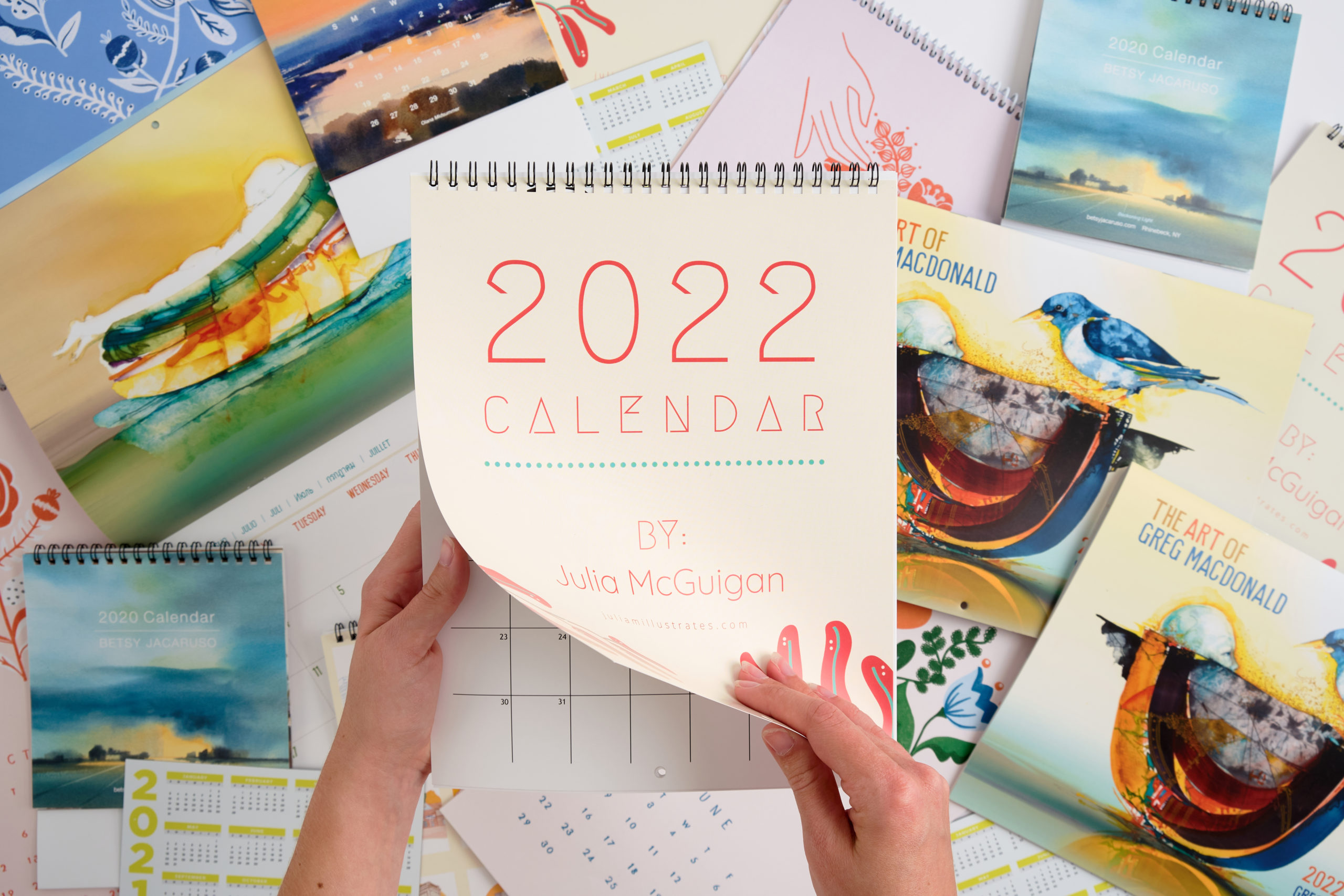
Calendar Printing FAQ
Have a question about printing custom calendars? Check out these calendar printing FAQ and learn about calendar bindings, the difference between page and sheets, coating options and more. Desk Calendars What sizes are available? You can design Desk Calendars for online printing in our predetermined sizes or use custom dimensions. When you enter your […]
Read more› -
Common Print Problems & How to Solve Them
Designing projects with an online printer can be challenging, so we’ve put together a list of common print problems customers and clients have come across and tips on how to resolve them. Card Print Problems Cards, Greeting Cards, Rack Cards, Business Cards Uneven Borders Smartpress has a cutting tolerance of 1/8”. This means that […]
Read more› -
Print Fonts
Knowing which print fonts to choose for your project can be challenging. Check out our font facts below to determine which font type is right for your product catalogs, marketing sell sheets, menus and more. Free Print Fonts Free print fonts are created by designers who are passionate about fonts and want to add […]
Read more› -
Your Print Job Path Through Smartpress
Have you ever wondered what happens to your online printing project when you place your order? How does it go from print-ready file to finished product? What’s the print job path and who makes it happen? Learn more about the lifecycle of your project and where it goes, whether you’re designing product catalogs with custom […]
Read more› -
Print-Ready Files
What are print-ready files? It’s one of the most common terms printers use every day, but it can mean different things. Most digital or online printers agree that there are essential elements your file needs to ensure it translates from your computer to the printing press accurately and consistently. If you’re already an Adobe […]
Read more› -
Online Printing Pricing
Before you begin designing custom booklets, unique business cards, personalized invitations, and marketing materials, it’s important to understand the ins and outs of digital printing pricing. As a customer-focused online printer, we want you to have all the information you need so there are no surprises when you submit your print-ready files and submit […]
Read more› -
How to Use a Print Proof
Before your project is printed, it goes through the proofing process. A print proof is an early version of your project that closely represents how it will look when printed. Whether you have a soft proof (a digital PDF) or a hard proof (a physical copy), you’ll want to review your proof carefully so […]
Read more› -
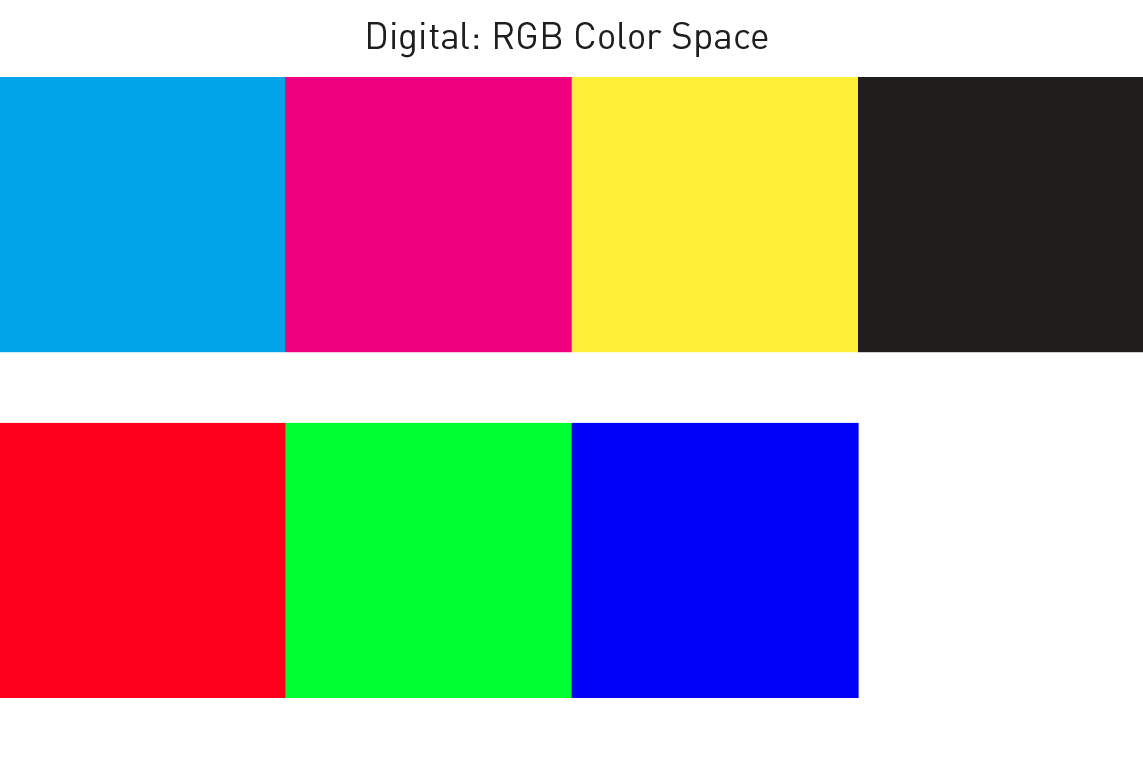
Digital Color vs. Print Color
As you design your custom books, personalized calendars, direct mail marketing and more, you might come across color discrepancies between the digital color and the print color. Ever wonder why there’s a difference between what you see on your screen and what you see on your printed pieces? This is a common question in […]
Read more› -

Online Printing FAQ
Have questions about printing with Smartpress? Take a look at some common online printing FAQ. What are the print guidelines or templates I should follow? Please reference the layout guides under Project Resources on each product page. These templates are like a head start to your final print project and can help ensure it […]
Read more› -
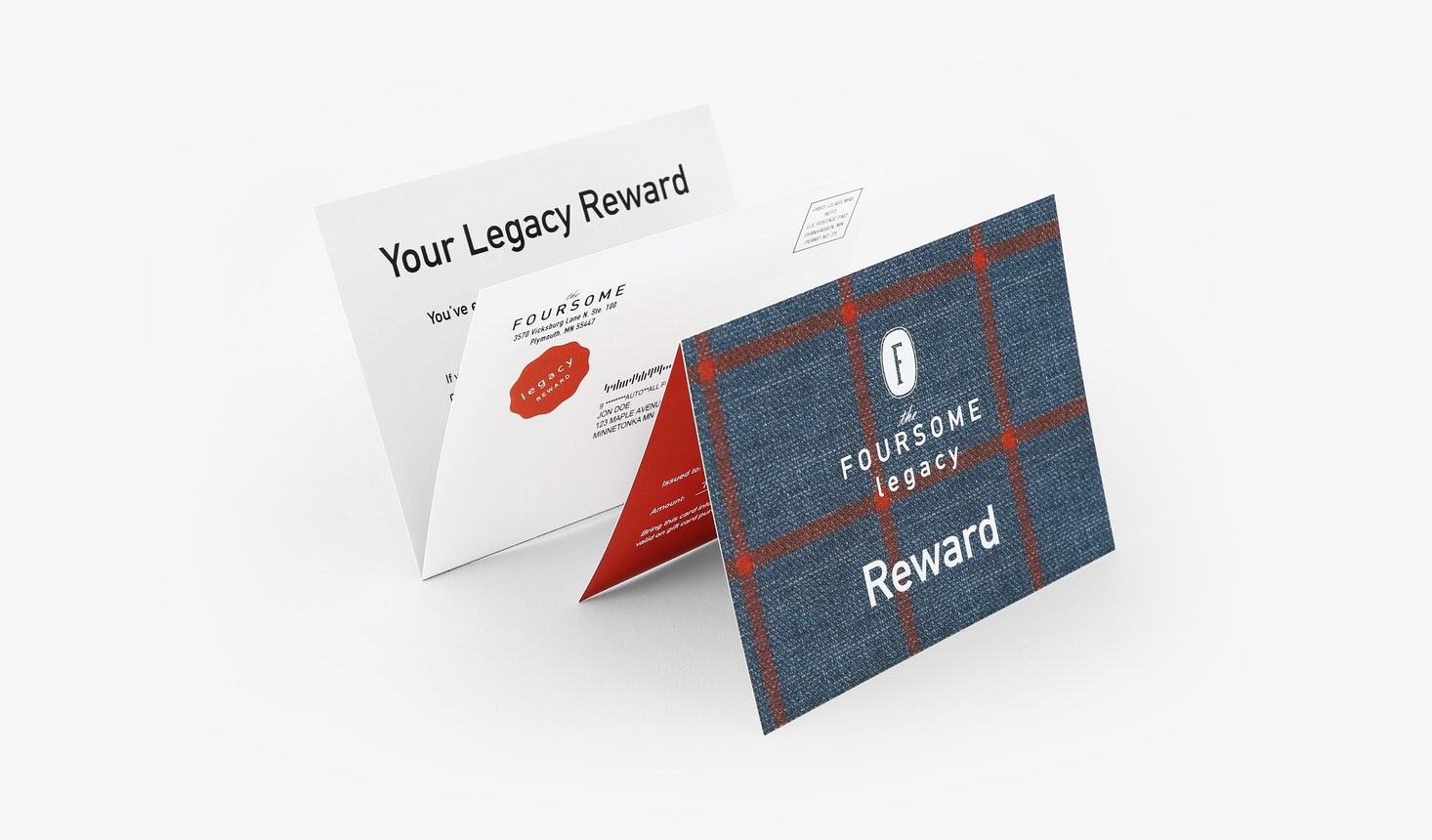
Direct Mail Printing FAQ
Have a question about printing direct mail? Check out these direct mail printing FAQ and learn about our paper stocks options, mailing requirements, variable printing and more. Direct Mail Booklets What sizes are available? You can design custom Direct Mail Booklets for online printing in our predetermined sizes or use custom dimensions. When you […]
Read more› -
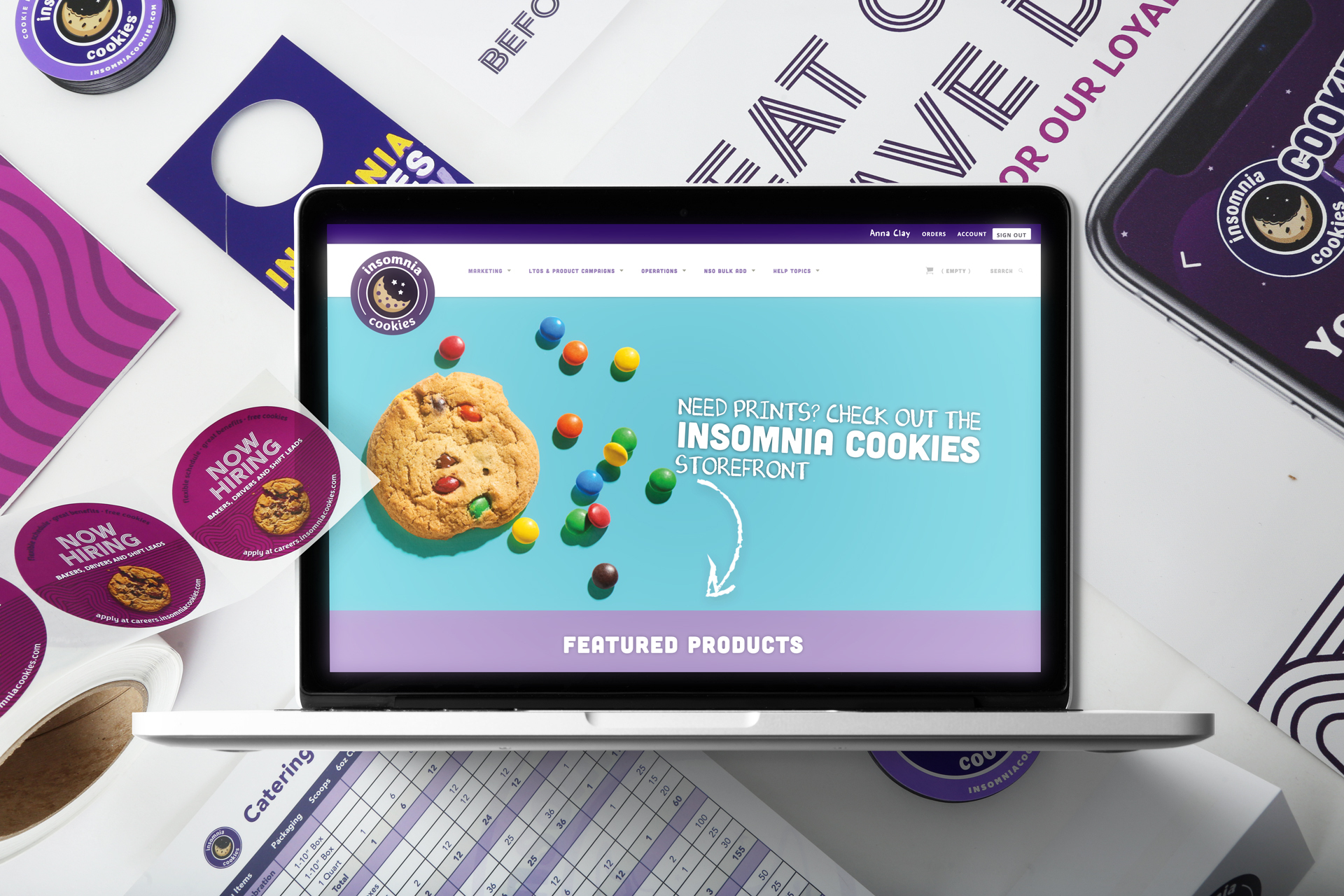
How to Use the Smartpress™ Marketing on Demand Platform
The Smartpress™ Marketing on Demand (MOD) platform can help you streamline your business marketing needs in one simple place. A convenient print management solution, MOD makes it easy for you to design and print marketing collateral, distribute it to all of your locations and so much more. For businesses with a minimum annual spend […]
Read more› -
How to Set Up Your File
Wondering how to set up your file for print? Each Smartpress product includes one or more Artwork Guideline documents to demonstrate how to set up your artwork. You can find links to these files on each product page. These files are in PDF format and can be viewed and printed with Acrobat Reader. When […]
Read more› -
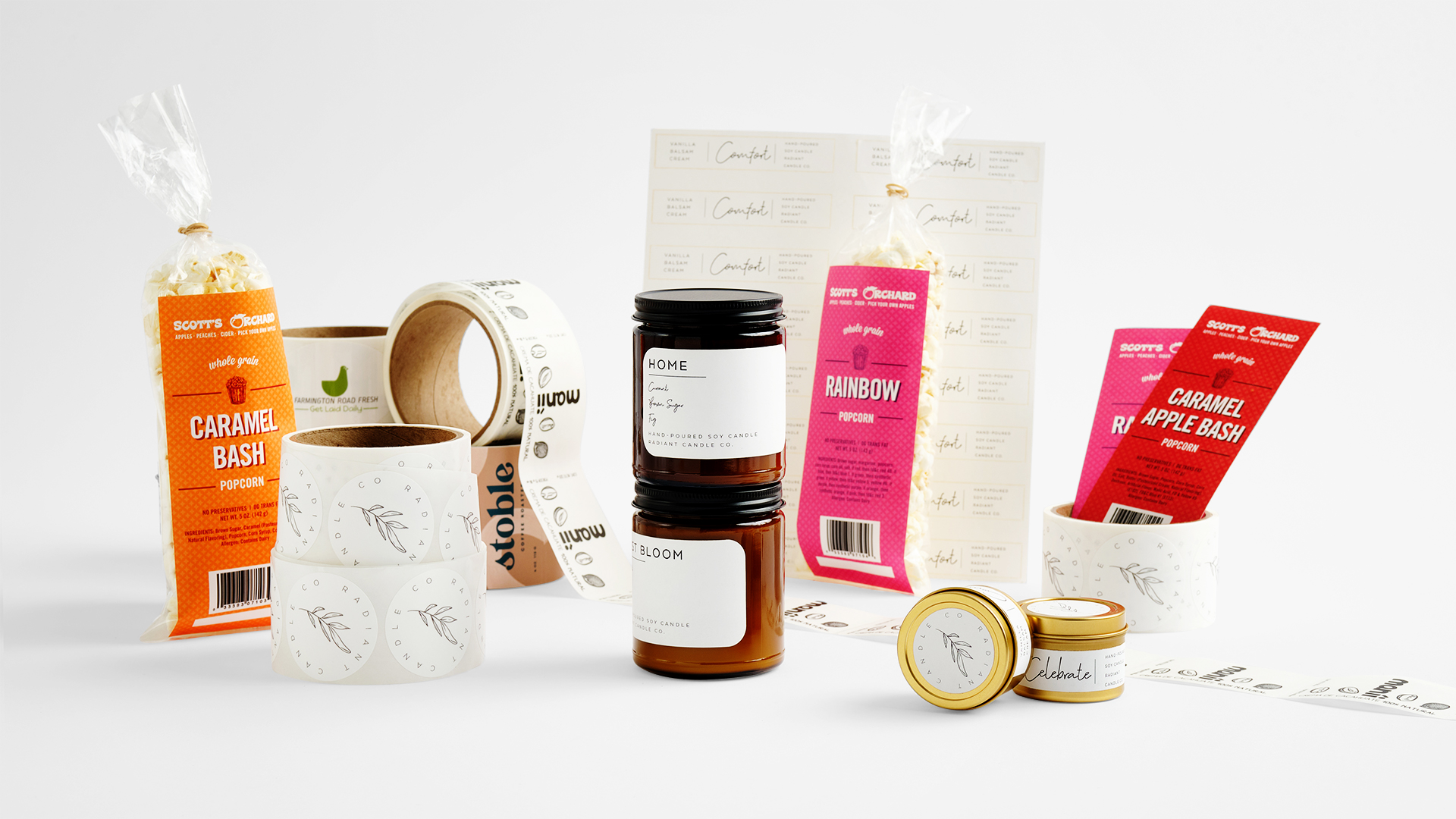
Label Printing FAQ
Have a question about custom label printing? Check out these label printing FAQ and learn about our permanent and removable stocks, die cutting and more. Labels What sizes are available? You can design custom Labels for online printing in our predetermined sizes or use custom dimensions. When you enter your desired dimensions in the […]
Read more› -
Online Printing for the First Time
Online printing for the first time? New to printing and not sure where to begin? As a world-class online printer, Smartpress has all the tools to help you design the perfect booklet, calendar or business card and learn all the printing lingo along the way. We’ve compiled some essential articles to guide you from […]
Read more› -
Print with Perforation
When you design your online printing project and print with perforation, you give your audience a chance to interact with your piece in a fun, unexpected way. As part of our online printing services, perforation is offered on many of our products. Whether for direct mail marketing, event promotion or custom invitations, adding tear […]
Read more› -
Promotional Products FAQ
Have a question about promo products? Check out these promotional products FAQ and learn about our im print guidelines, submitting artwork and more. Hardgood Promo Products What is a hardgood promo product? Hardgoods are essentially everything outside of print and apparel or wearable products. They are typically stocked in a variety of colors and […]
Read more› -
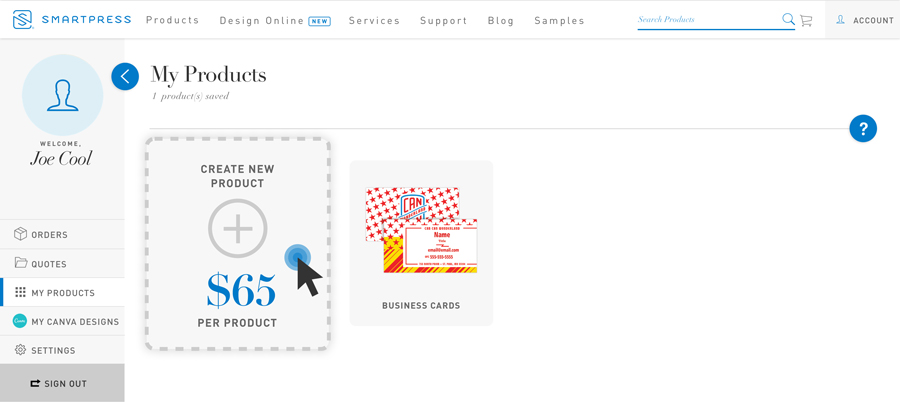
How to Use My Products Templates
Find yourself making a lot of repeat orders? Wondering if there’s an easier way to do it? There is: My Products templates at Smartpress™. These print templates let you convert your print file into an editable template and create and print different versions from one design. And the best part? Your templates are saved […]
Read more› -
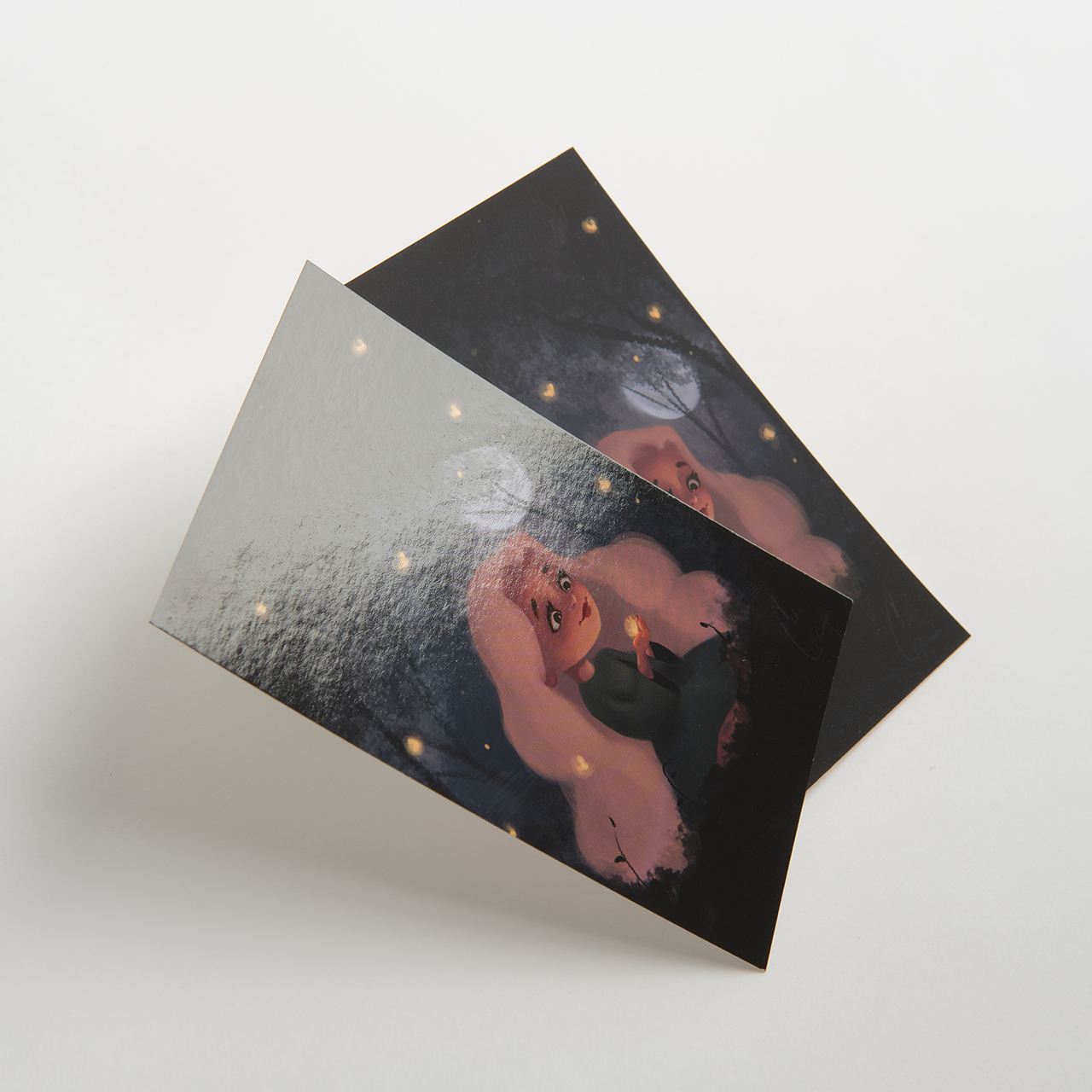
UV Coating vs. Laminate
When adding finishes to your online printing project, you may wonder about UV coating vs. laminate. As a premium online printer, Smartpress offers both gloss and matte UV coating, gloss and matte laminate and Soft Touch laminate. But how do you choose the best one for your project? Do you place an order for […]
Read more› -
Color Space
In the printing world, color space is crucial. Depending on the type of project and if it’ll be seen on digital screens or in physical form, the right color space and make all the difference. Smartpress uses a CMYK digital printing process, which means our presses print a wide range of hues using cyan, […]
Read more› -
How to Order at Smartpress
Wondering how to order at Smartpress? For online printing, the ordering process is easy. Check out the simple steps in this video or read the information below to make it as smooth and easy as possible: 1. Create Your Design File Use our layout guides, design tips and help section to set up your […]
Read more› -
Black vs. Full-Color Printing
When it comes to online printing, the black or full-color printing makes all the difference. Whether your goal is to boost engagement with vibrant brochures or you’re sending invitations for a gala event, we can help you create a presentation that’s the most effective for any occasion. As you design your print-ready files with […]
Read more› -
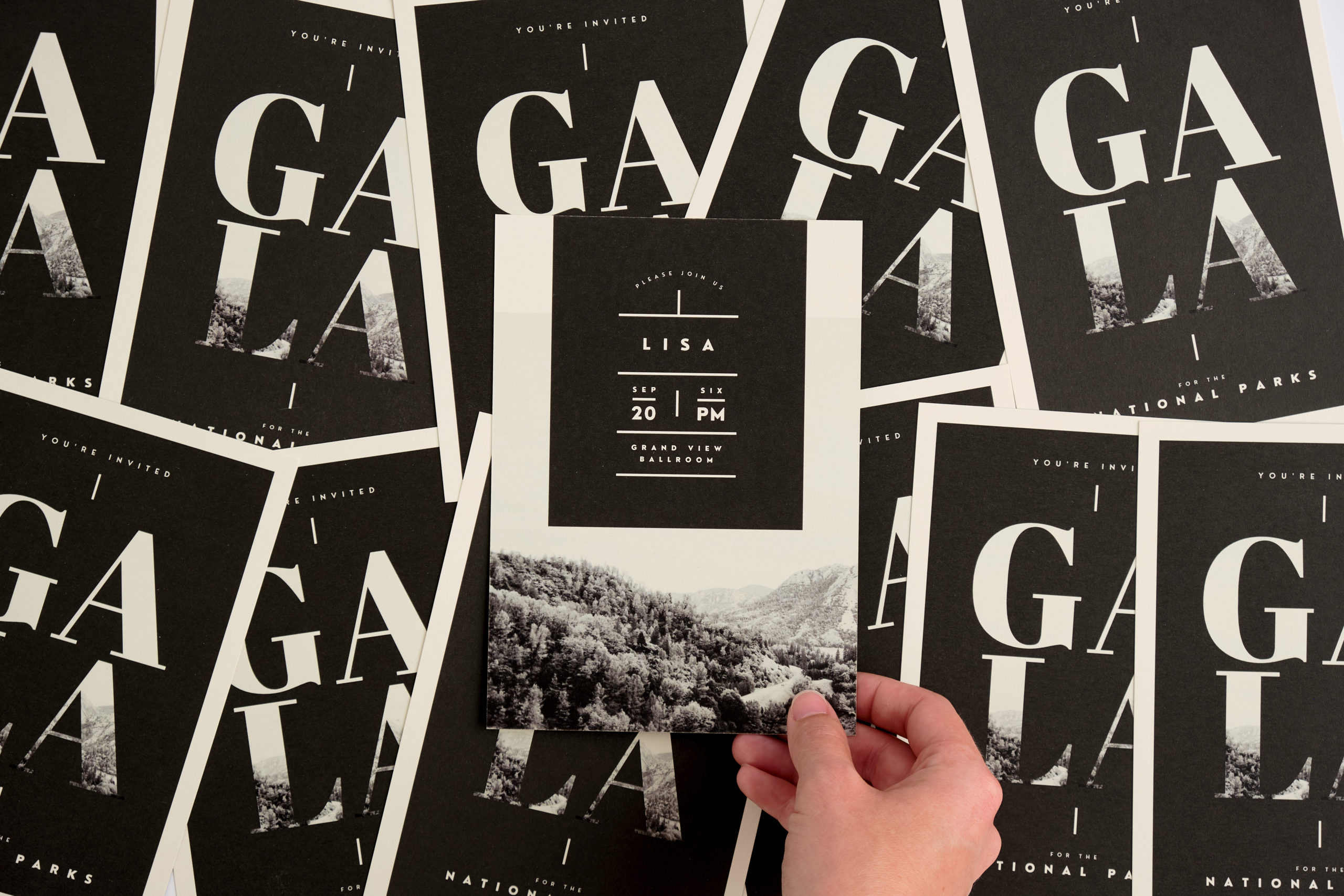
Invitation Printing FAQ
Have a question about printing custom Invitations? Check out these invitation printing FAQ and learn about our paper stocks, coating options, matching envelopes and more. Do you print portrait and landscape invitations? Yes. Online printing lets you design custom invitations with a portrait or landscape orientation. What paper stocks are available? You can design […]
Read more› -
Vector Graphics vs. Raster Images
When setting up your print-ready files, you may wonder what type of images or graphics you should include for your artwork. Do you go with vector graphics or include raster images? From door hangers for marketing or custom brochures for upcoming trade shows, the right artwork files can make or break your design. Take a […]
Read more› -
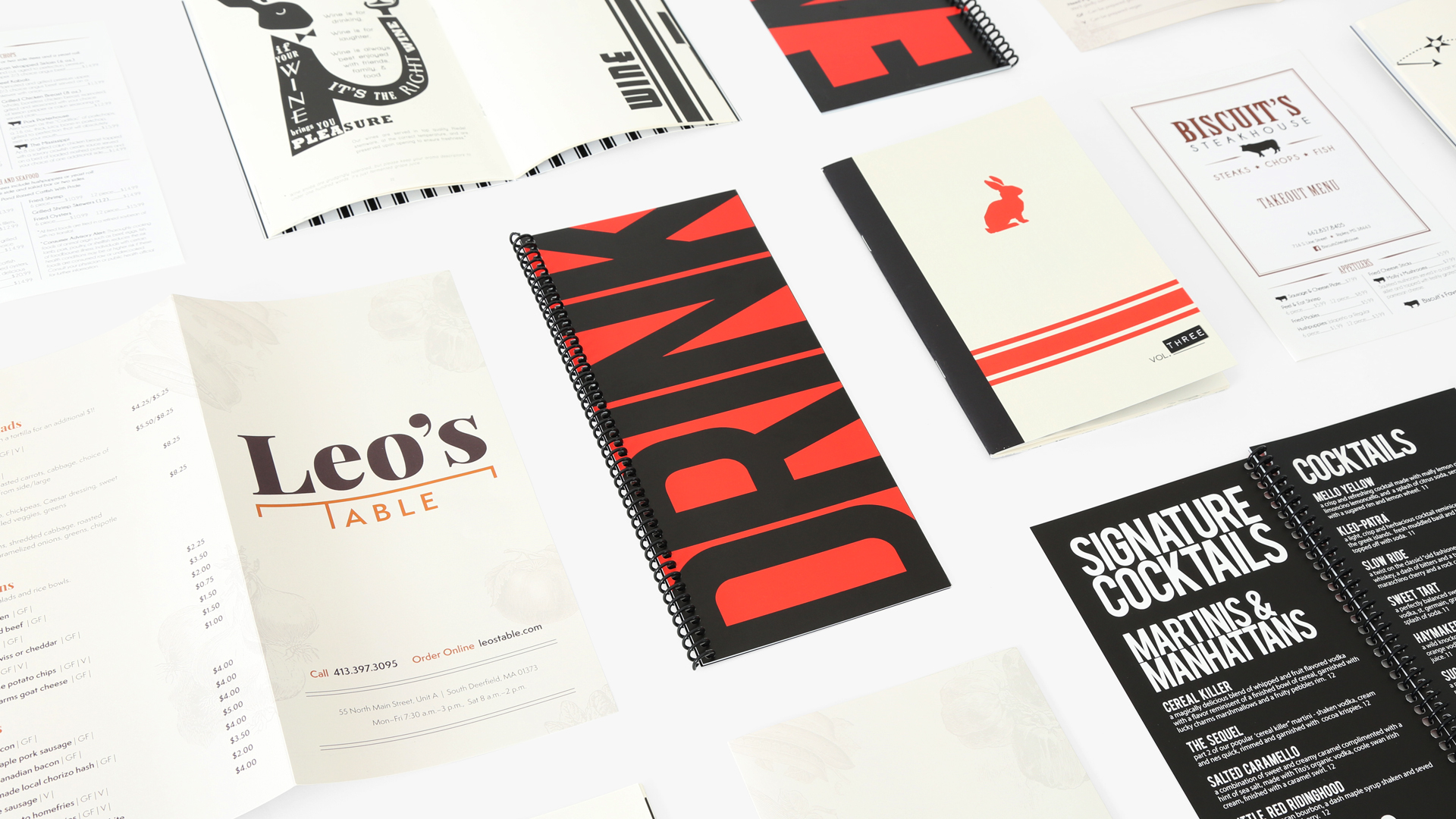
Menu Printing FAQ
Have a question about printing custom menus? Check out these menu printing FAQ and learn about paper stocks, coatings, double-sided printing, fold options and more. Backlit Menus How do backlit menus work? What’s backlit film? Backlit Menus feature backlit film, an opaque polyester UV material that has natural light diffusion properties, resulting in high-impact […]
Read more› -
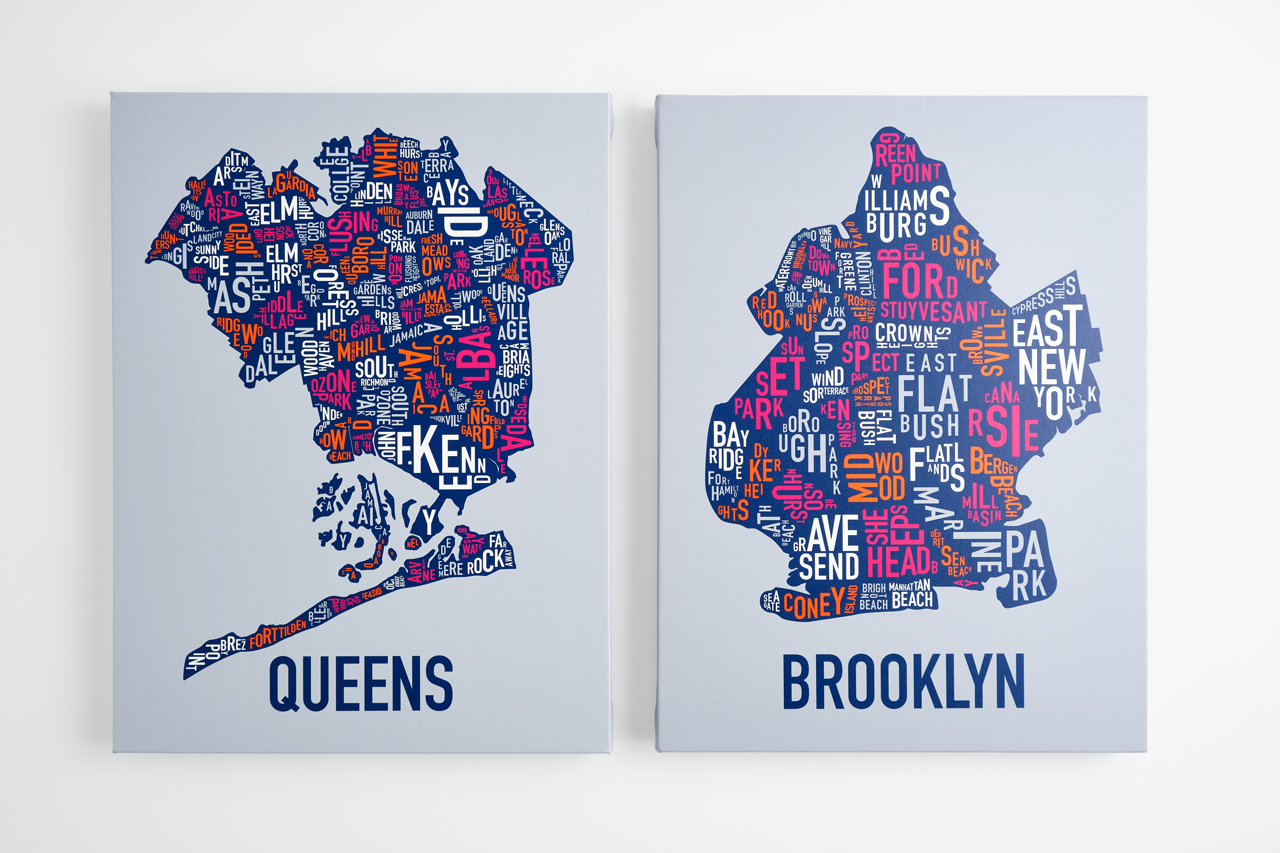
Canvas Prints FAQ
Have a question about canvas printing? Check out these Canvas Prints FAQ and learn about our canvas material, image size recommendations, edge style and more. What sizes are available? You can design custom canvas prints for online printing in our predetermined sizes or use custom dimensions. When you enter your desired dimensions in the Finished […]
Read more› -
Window Graphics Printing FAQ
Have a question about printing custom window graphics? Check out these window graphics printing FAQ and learn about our materials, double-sided printing, installation and more. Expand the sections below for each of our window graphics products. Perforated Window Decals What sizes are available? You can design custom Perforated Window Decals for online printing in […]
Read more› -
Banner Printing FAQ
Have a question about custom banners? Check out these banner printing frequently asked questions and learn about our banner materials, how to install banner stands, double-sided printing and more. Hanging Banners What sizes are available? You can design custom Hanging Banners for online printing in our predetermined sizes or use custom dimensions. When you […]
Read more› -
PPI, DPI & Image Resolution
Pixel Basics In online printing, image resolution plays a huge part in the final outcome of your project. Pixels are the building blocks of an image. Every digital image is made up of thousands or even millions of individual pixels. The more pixels contained within an image, the greater the detail and quality. The number […]
Read more› -
Print with Versions
When you print with Versions, you can create projects with different designs, patterns or images but the same quantity, paper, size, ink, finishing specs and shipping details. It’s a budget-friendly, time-saving feature of our online printing services. Design Ideas Design Ideas Product catalogs with versions for seasonal items Posters that feature your various artwork […]
Read more› -
Hardcover Book Printing FAQ
Have a question about printing custom Hardcover Books? Check out these hardcover book printing FAQ and learn about how to arrange your pages for printing, our paper stocks, printing on your book spine and more. How do I arrange pages for online printing? For Hardcover Books, please provide two files: a cover file and […]
Read more› -
Card Printing FAQ
Have a question about printing custom Cards? Check out these card printing FAQ and learn about our paper stocks, coating options, matching envelopes and more. Do you print portrait and landscape cards? Yes. Online printing lets you design your cards with a portrait or landscape orientation. What paper stocks are available? You can design […]
Read more› -
Greeting Card Printing FAQ
Have a question about printing Greeting Cards? Check out these greeting card printing FAQ and learn about our paper stocks, coating options, matching envelopes and more. What’s a standard greeting card size? A very common and popular greeting card size is 5″W x 7”H. Do you print portrait and landscape greeting cards? Yes. Online […]
Read more› -
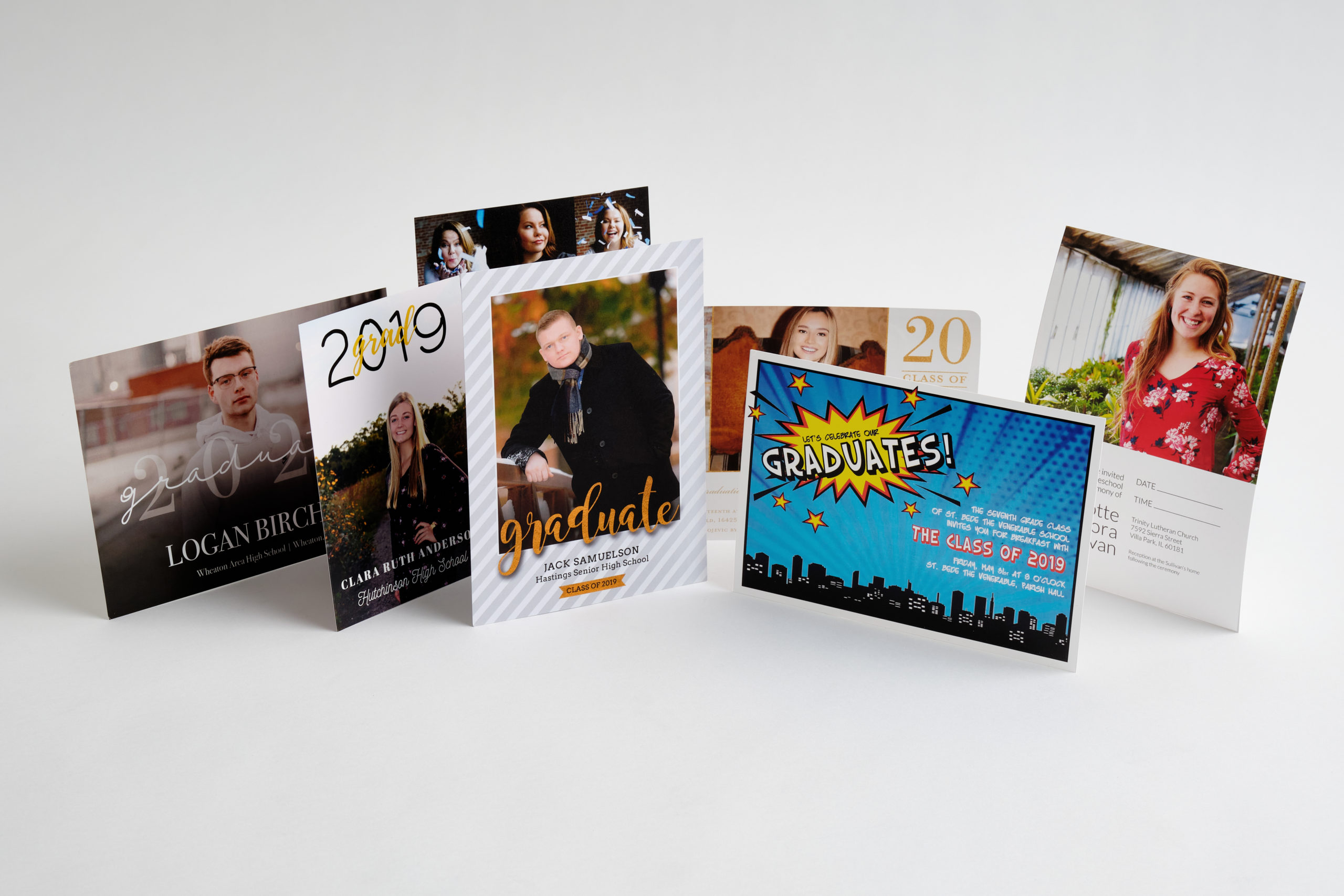
Announcement Printing FAQ
Have a question about printing custom Announcements? Check out these announcement printing FAQ and learn about our paper stocks, coating options, matching envelopes and more. Do you print portrait and landscape announcements? Yes. Online printing lets you design custom announcements with a portrait or landscape orientation. What paper stocks are available? You can design […]
Read more› -
Poster Printing FAQ
Have a question about printing custom posters? Check out these poster printing FAQ and learn about our poster stock, coating and lamination options, installation options and more. Small Posters What sizes are available? You can design custom Small Posters for online printing in our predetermined sizes or use custom dimensions, up to 27 inches […]
Read more› -
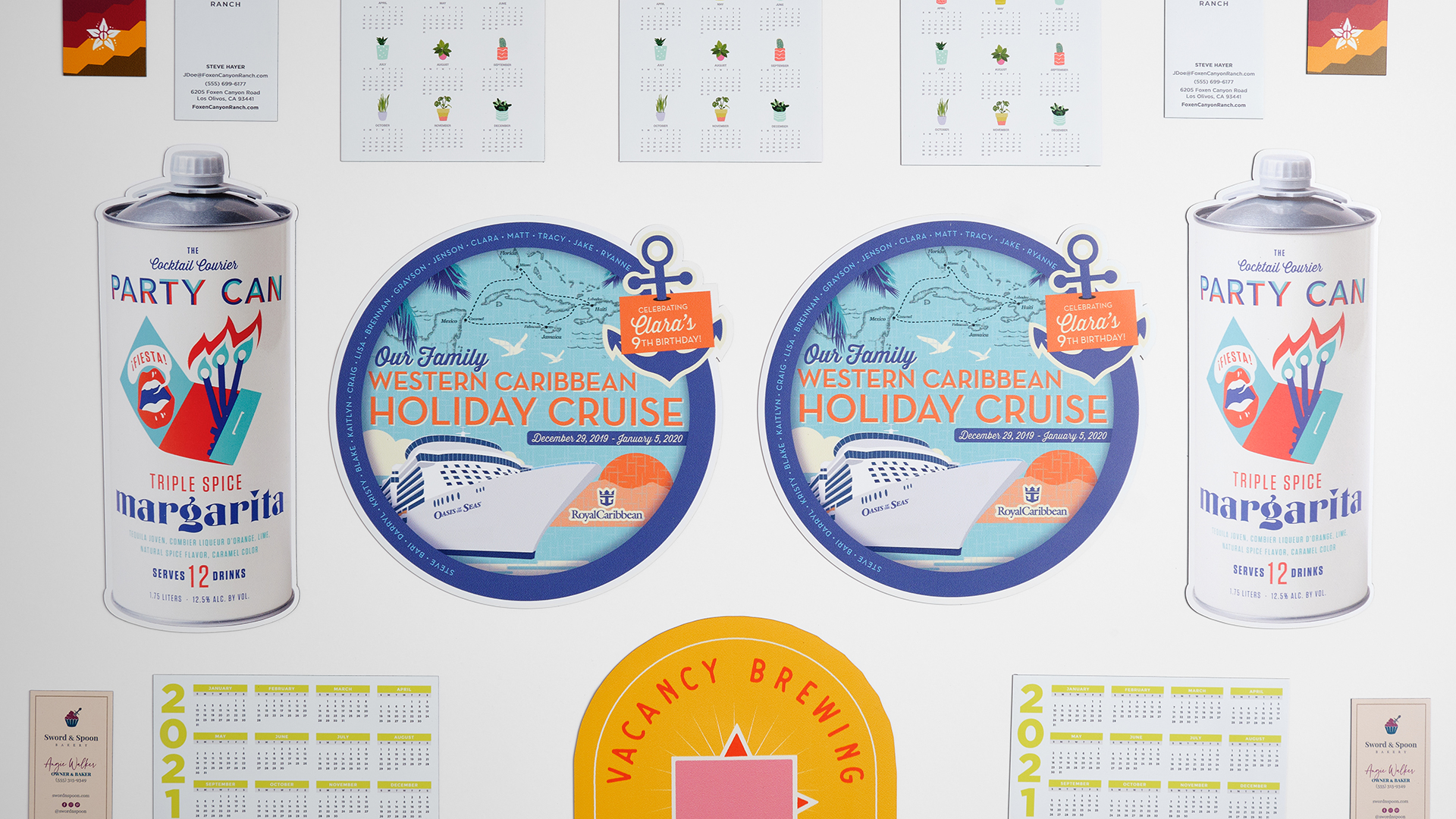
Magnet Printing FAQ
Have a question about printing custom magnets? Check out these magnet printing FAQ and learn about our magnet stock, magnet adhesion, die cutting and more. Business Card Magnets What sizes are available? You can design Business Card Magnets for online printing in our predetermined sizes or choose a custom size to suit your needs. […]
Read more› -
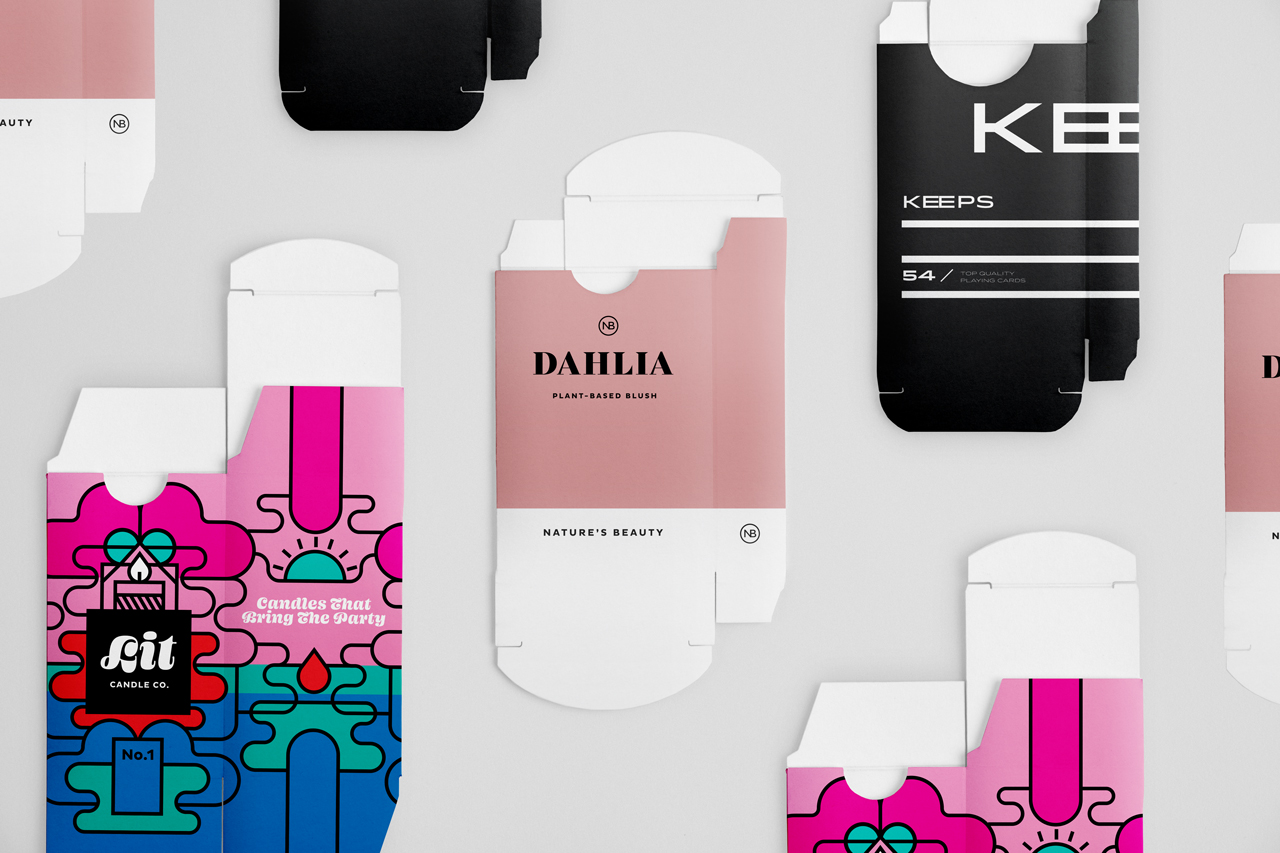
Tuck Box Printing FAQ
Have a question about printing custom Tuck Boxes? Check out these tuck box printing FAQ and learn about our paper stock, coating options, assembly and more. What sizes are available? We offer custom Tuck Boxes for online printing in three different sizes: 1/2″W, 1”W and 2”W. You can find them all on our Custom […]
Read more› -
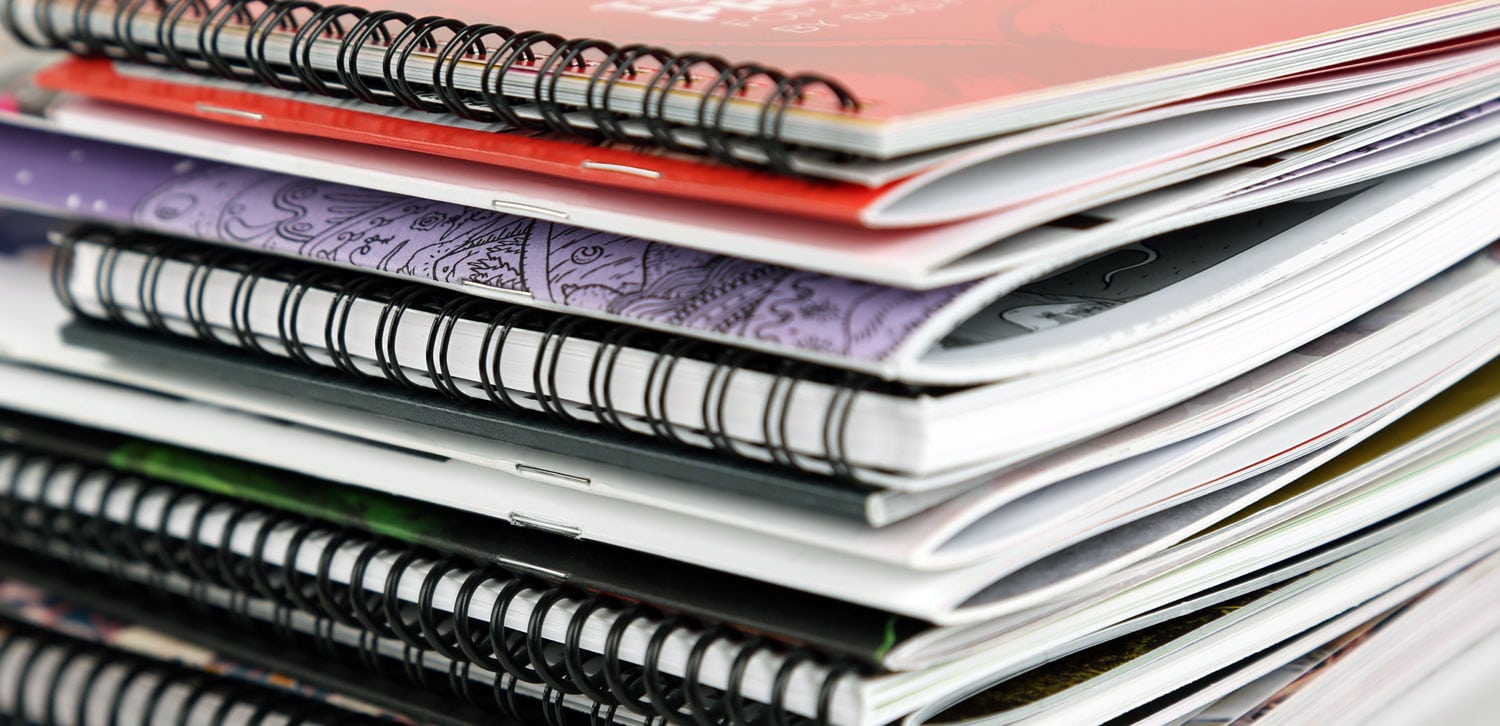
Booklet Printing FAQ
Have a question about custom book printing? Check out these booklet printing FAQ and learn about booklet bindings, the difference between page and sheets, how to submit your PDF and more. Perfect Bound Booklets What are the minimum and maximum dimensions? These are the minimum and maximum dimensions for Perfect Bound Booklets: How do […]
Read more› -
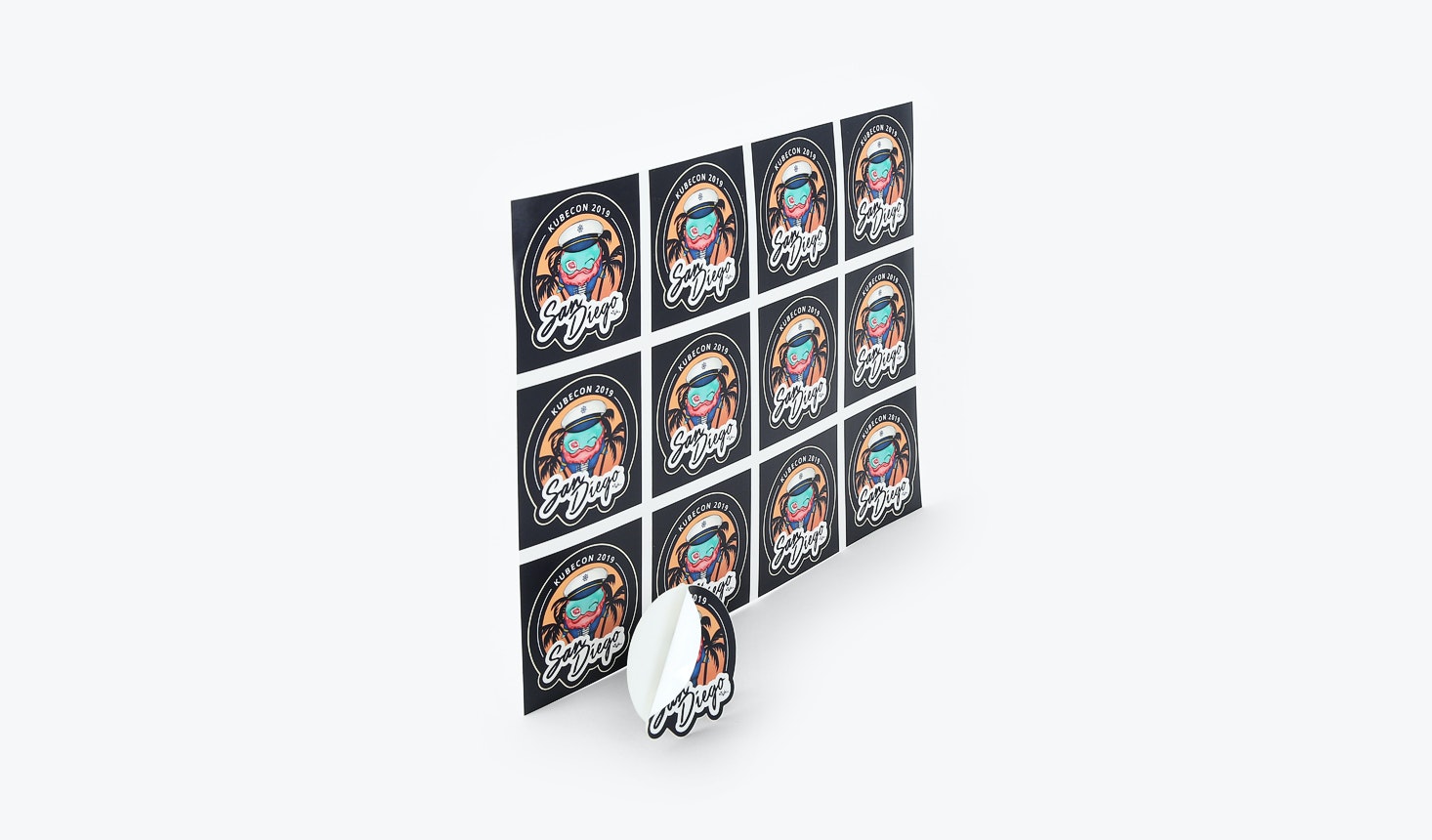
Sticker Printing FAQ
Sheet – same shapes, custom Have a question about sticker printing? Check out these sticker printing FAQ and learn about our permanent and removable stocks, die cutting and more. What sizes are available? You can design custom Stickers for online printing in our predetermined sizes or use custom dimensions. When you enter your desired […]
Read more› -
Soft Touch Laminate
When it comes to making an impression that lasts, there’s no better finish than our Soft Touch laminate. No matter what project you’re designing for online printing, Soft Touch takes it to a new, professional and sensory level. Before you upload your print-ready file to an online printer, take a look at these Soft […]
Read more› -
Designer Folds FAQ
Have a question about printing custom Designer Folds? Check out these Designer Folds FAQ and learn about our paper stocks, coating options, design guidelines and more. What paper stocks and weights are available? Our custom folds are available for online printing in both coated and uncoated paper stocks. We offer them in text and […]
Read more› -
How to Set Up Color in Your File
[…] Color in Your File Whether you use RGB or CMYK to set up color in your file, please be sure to embed the color profile in your print-ready PDF. Whatever color profiles you tag will be honored. However, any RGB files that are not tagged with the appropriate color profile will be tagged as […]
Read more› -
Roll End Box Printing FAQ
Have a question about printing custom Roll End Boxes? Check out these roll end box printing FAQ and learn about our paper stock, coating options, assembly and more. What sizes are available? We offer custom roll end boxes for online printing in three different sizes: 1-1/2″D, 2″D and 2-1/2″D. You can find them all […]
Read more› -
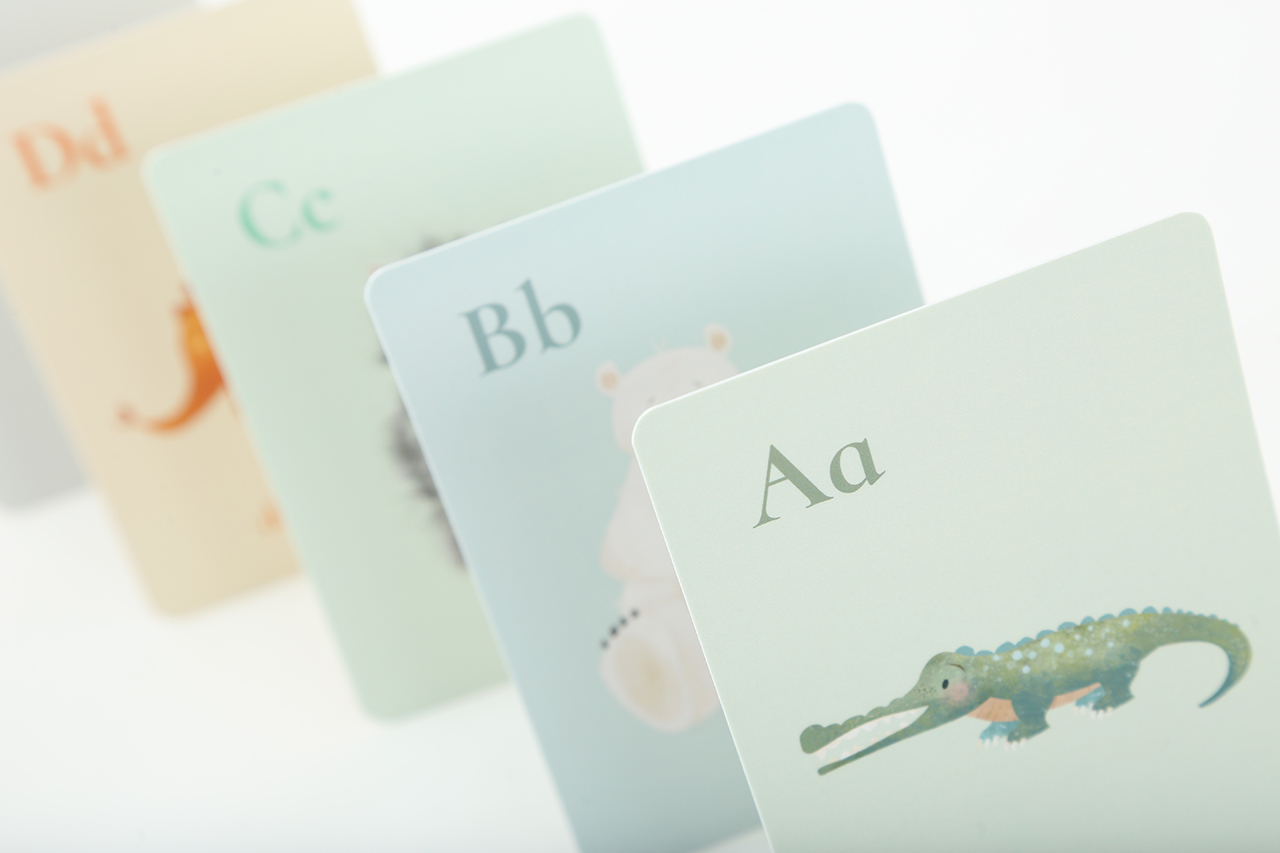
Collated vs. Uncollated
Collated printing makes it easy to print welcome packets, employee training materials, information packets for prospective students, flashcards and more in the right order. You get to design unique content and imagery for each page in your set and they’ll all be printed with the same size, shape, paper stock and finish (like UV […]
Read more› -
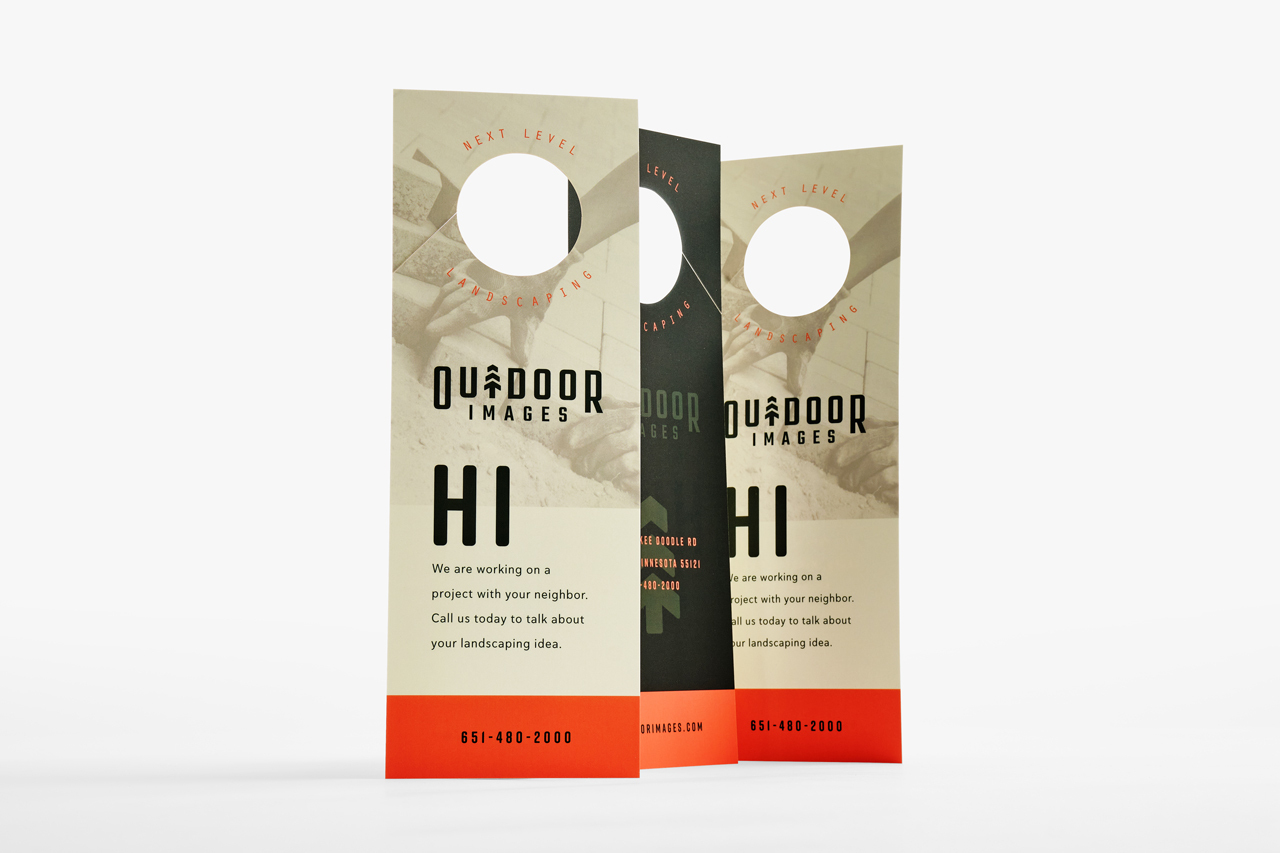
Door Hanger Printing FAQ
Have a question about printing custom Door Hangers? Check out these door hanger printing FAQ and learn about our paper stocks, coatings, variable data printing and more. What sizes are available? Custom door hangers are available for online printing in two predetermined sizes: 3-1/2″W x 8-1/2″H and 4”W x 11”H. The standard door hanger […]
Read more› -
How to Print with Crossover
A printing crossover means a page spread has text and/or an image that crosses over the spine from the left page to the right page, like in a booklet. When online printing, it’s important to properly align these pages so that the objects that cross the spine do not appear to be misaligned or […]
Read more› -
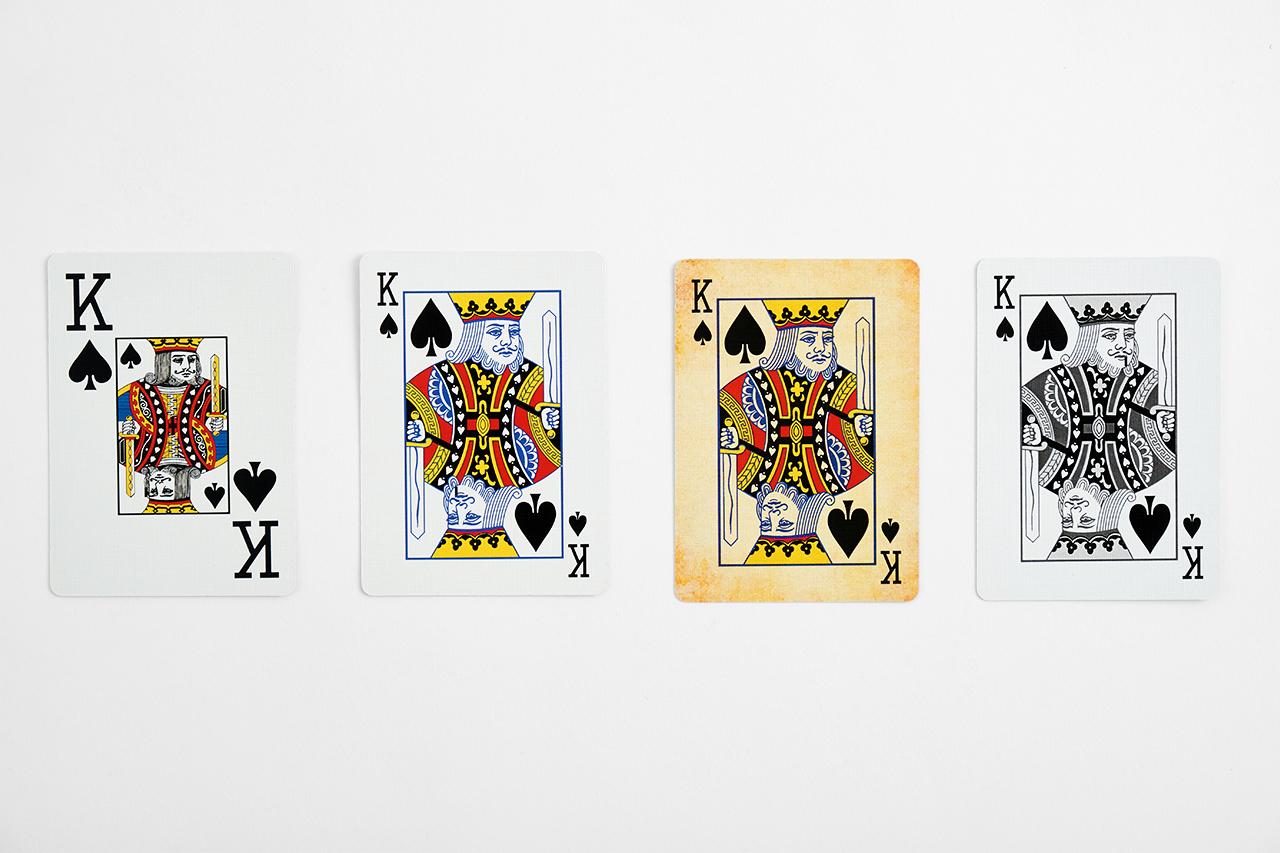
Playing Card Printing FAQ
Have a question about printing custom Playing Cards? Check out these playing card printing FAQ and learn about our face styles, packaging options and more. What sizes are available? We print poker-sized playing cards that measure 2-1/2″W x 3-1/2″H or bridge-sized playing cards that measure 2-1/4″W x 3-1/2″H. What paper stocks are available? Our […]
Read more› -
Bleed & Crop Marks
Smartpress’ online printing services makes it easy to add bleeds and borders. Begin designing your artwork with a minimum safety bleed margin of 0.125″. If you add a border to your artwork…
Read more› -
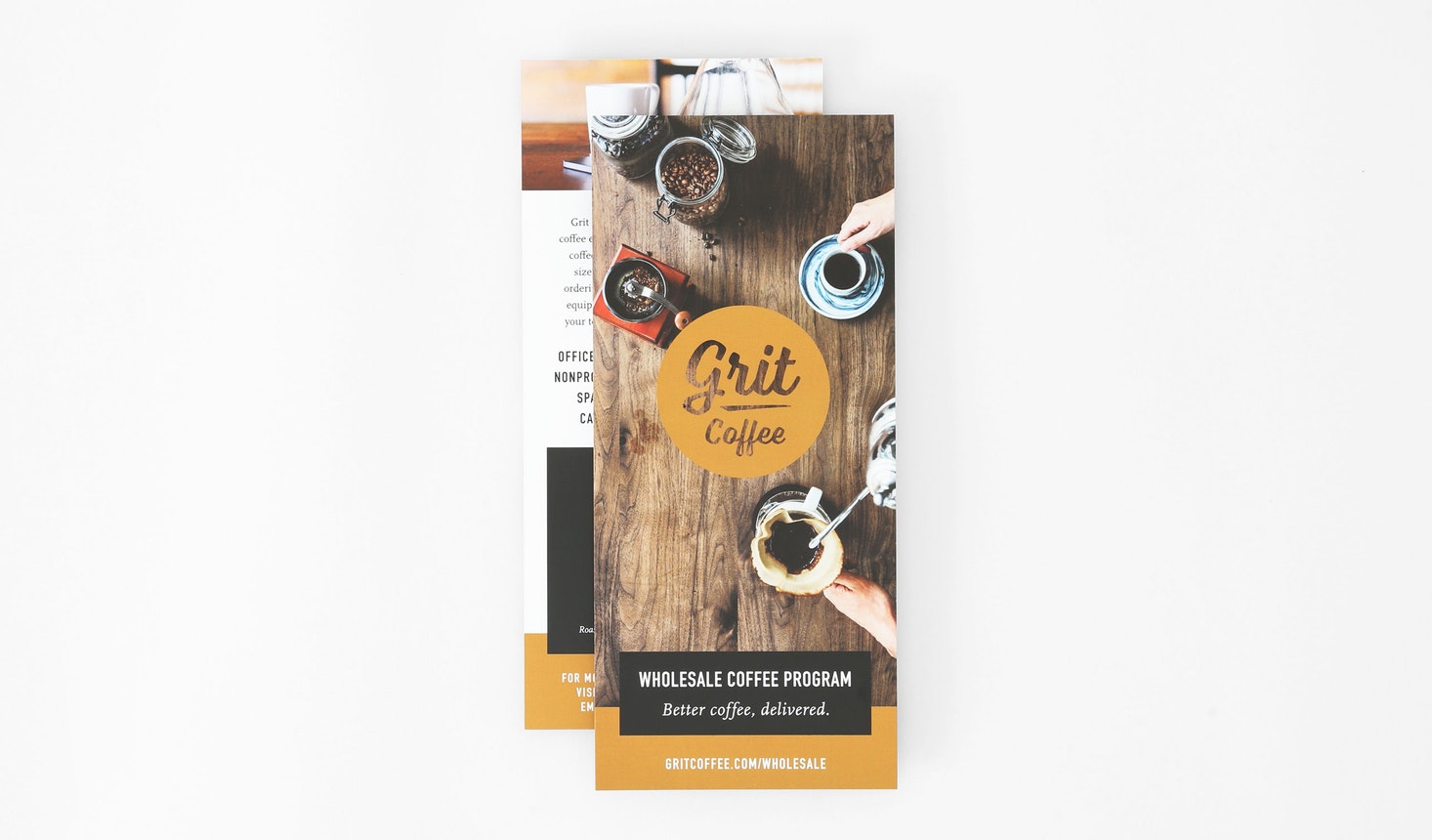
Rack Card Printing FAQ
Have a question about printing custom Rack Cards? Check out these rack card printing FAQ and learn about our paper stocks, coatings, perforation and more. What sizes are available? You can design custom rack cards for online printing in our predetermined sizes or use custom dimensions. When you enter your desired dimensions in the […]
Read more› -
Cutting Tolerance for Print
Cutting tolerance is the slight variation that occurs when online printing projects are cut down to size. Smartpress recommends a tolerance of 0.125″ for our online printing services, meaning the trim line can vary by up to 0.125″. Anything that comes within 0.125″ of the edge of the cut line could potentially be cut […]
Read more› -
Dye Sublimation Printing
Dye sublimation printing is a printing technique where specific inks react to heat and transform into a gas. This gas penetrates into polyester or polymer, resulting in a print where the ink is embedded into the substrate. Other printing techniques often result in much of the ink sitting on top of the substrate. Compared […]
Read more› -
The Difference Between Toner and Ink
When it comes to digital printing, there are many options you may not be familiar with. One common question you might have is, “What’s the difference between toner and ink?” As part of Smartpress’ wide range of online printing services, we offer both toner and Electroink. See how they compare before designing your project […]
Read more› -
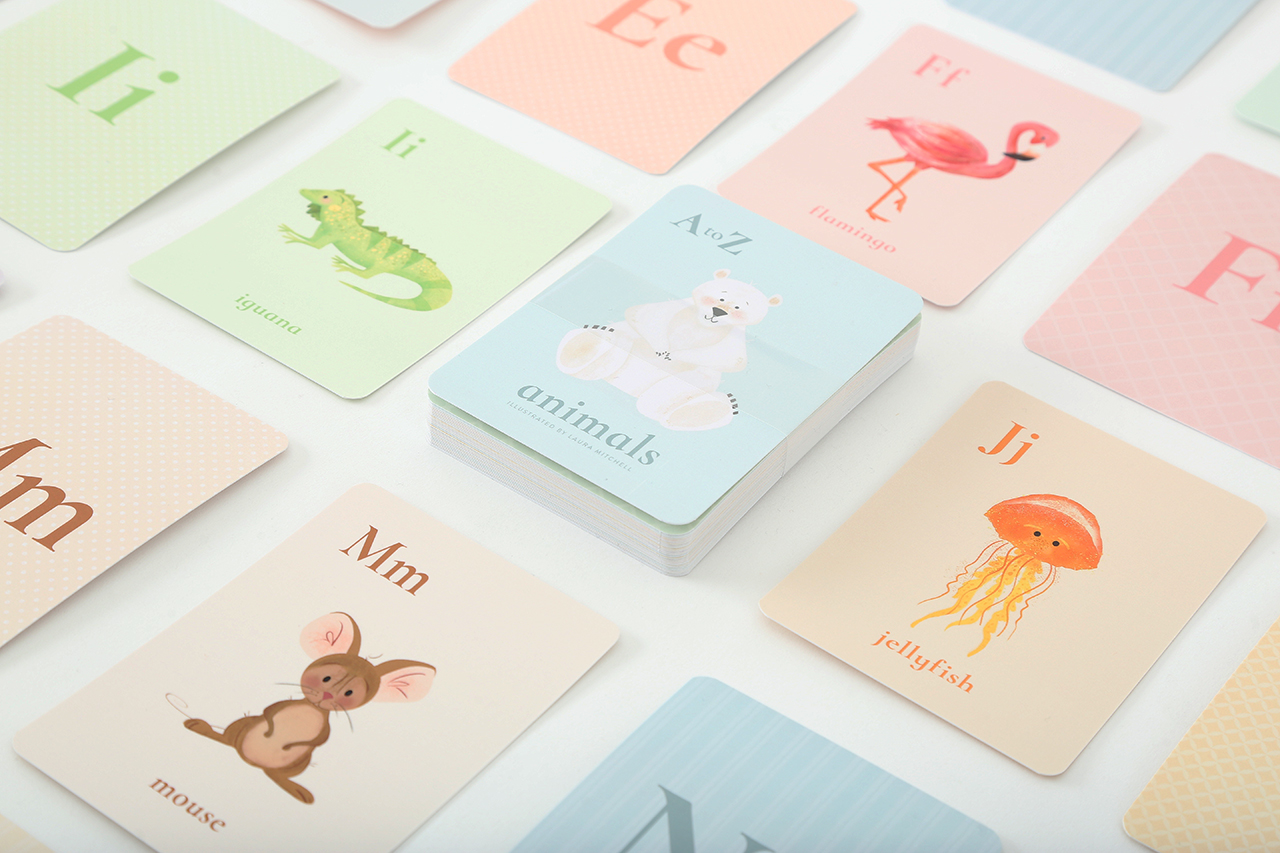
Collated Printing FAQ
Have a question about collated printing? Check out these collated printing FAQ and learn when to collate your project, about slip sheeting, playing card recommendations and more. When should I use collated printing? Collated printing is ideal for any project that has sets of pages you’d like printed in a specific order. Some examples […]
Read more› -
Editing Files with Photoshop, InDesign & More
When creating files for online printing, you can edit and manipulate them using various elements, such as panels, bars and windows. Any arrangement of these elements is called a workspace. While you’ve probably heard of workspaces like Photoshop and InDesign, there are other useful options that can help you, too. The workspaces of the […]
Read more› -
Custom Packaging: Digital Die-Cut Boxes
Smartpress’ online printing services not only let you design and create your own projects, but also package them with die-cut boxes. They’re the perfect print solution for packaging all your custom items. From health and beauty products to decks of cards and even home goods, using an online printer for custom die-cut boxes makes […]
Read more› -
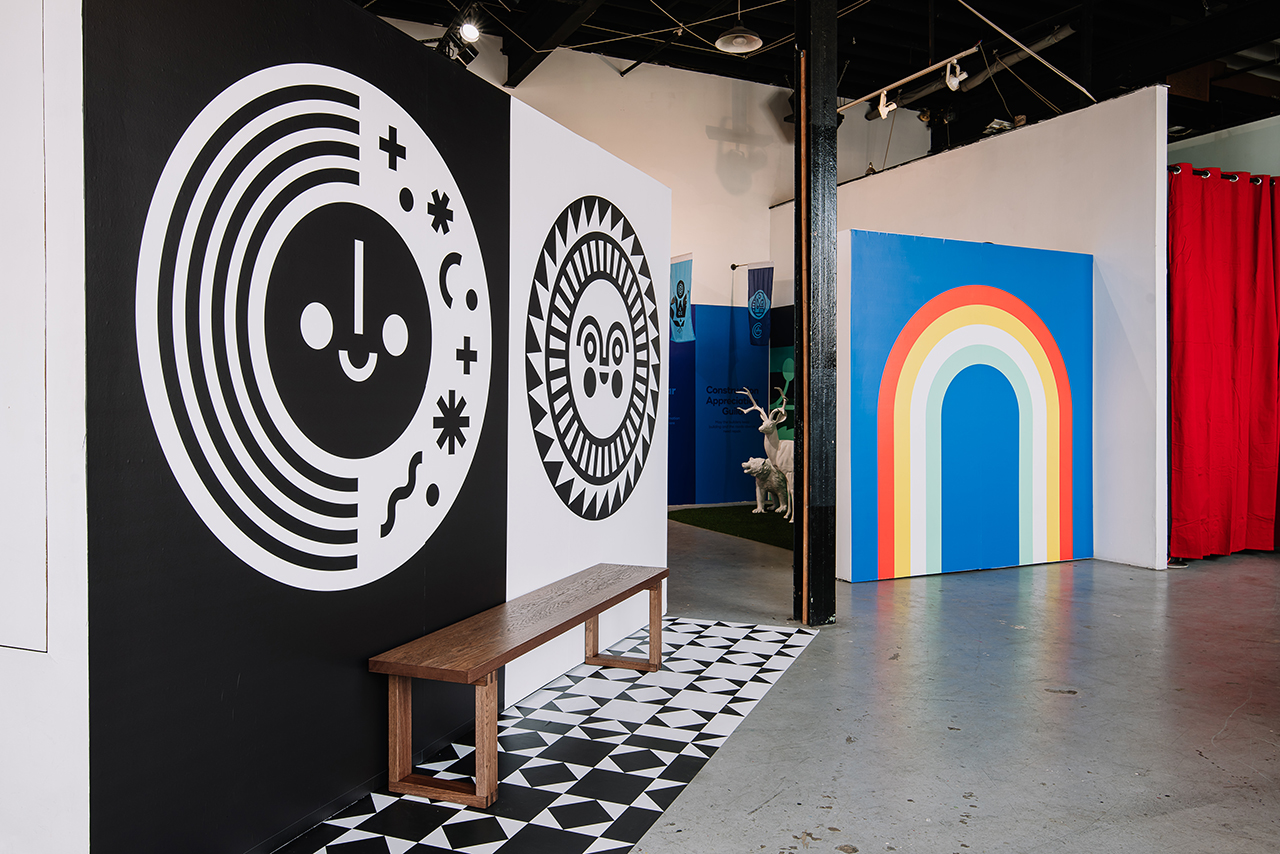
Overlap Seams and Flush Seams for Decals
Designing Wall Decals or custom Floor Graphics with multiple pieces? As you submit your print-ready files for online printing, you’ll need to decide what kind of seam you’d like. As a premium online printer, Smartpress offers overlap seams and flush seams. An important element of floor and wall decal installation, the right seam creates […]
Read more› -
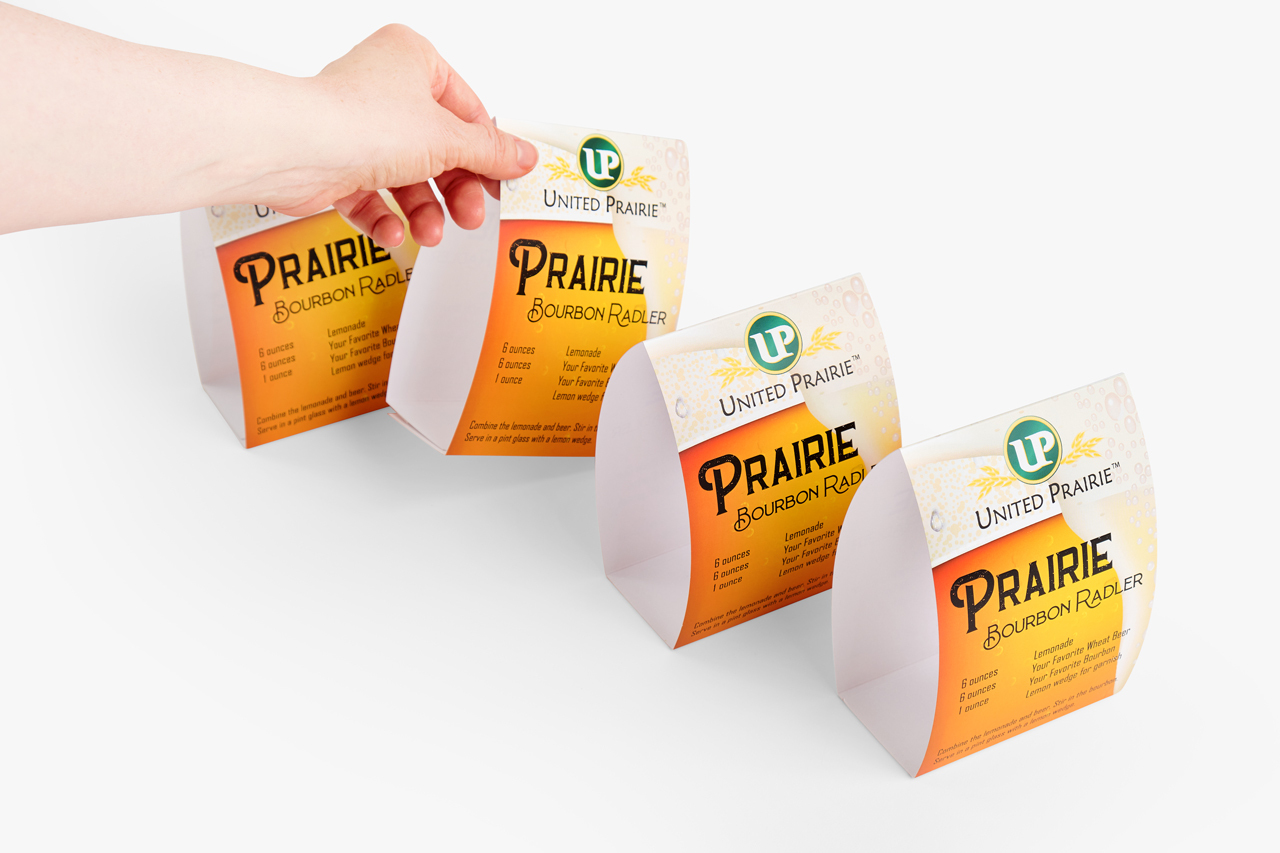
Table Tent Printing FAQ
Have a question about printing custom Table Tents? Check out these table tent printing FAQ and learn about our paper stocks, coatings, assembly and more. What sizes are available? Custom Table Tents are available for online printing in our predetermined sizes, including the standard 5”W x 7”H size. What paper stocks and weights are […]
Read more› -
Packaging InDesign Files
A packaged InDesign file makes it easy to gather all your project’s elements, fonts and images together in one place to prepare it for print. Before packaging InDesign files, you’ll want to go through this checklist to ensure they’re ready to be sent to an online printer. Size Your project must be the exact size […]
Read more› -
The Return of Direct Mail
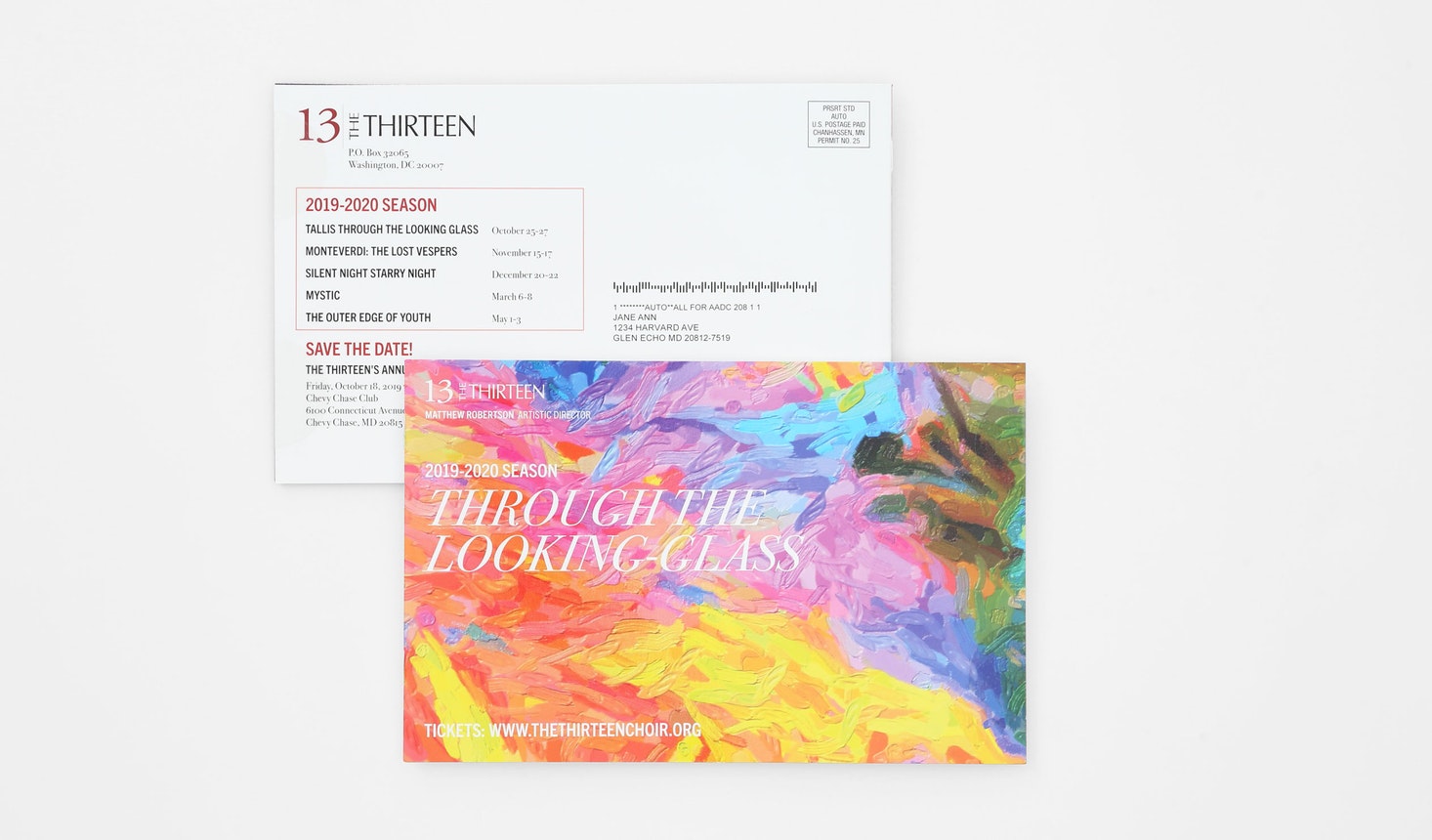
[…] it really the return of direct mail if it never went anywhere? No matter how much the world adapts with every new technology, one longtime staple in print marketing and advertising has stayed strong: direct mail. Even with the rapid changes and an evolving workforce, direct mail printing remains a versatile and reliable strategy […]
Read more› -
Custom Foil Printing
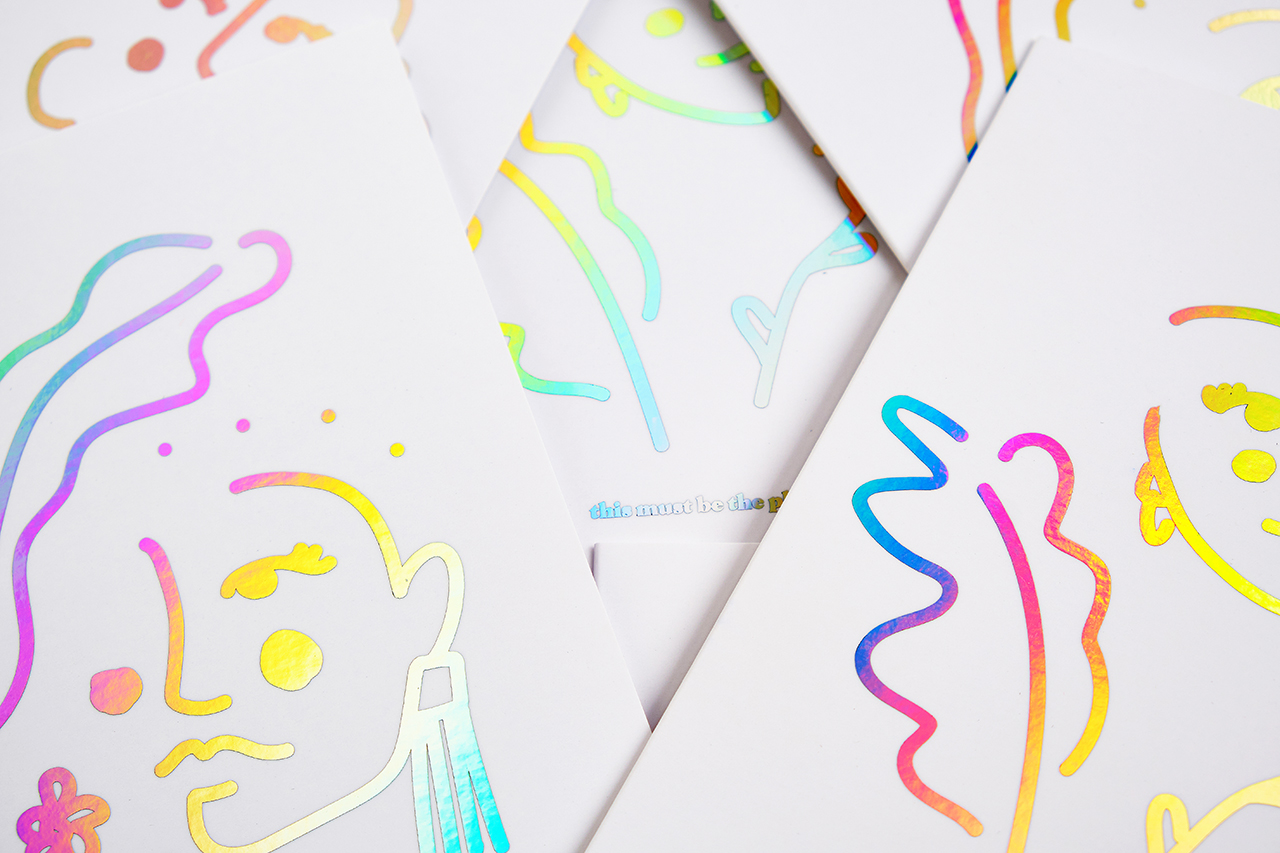
Custom foil printing takes stationery to the next shining level. Truly setting any communication apart, online printing with foil grabs attention and leaves a lasting impression with a little luxury on every letter. From holographic business cards to greeting cards with glints of gold accents or invitations dressed in sophisticated silver, foil printing adds […]
Read more› -
What Happens After You Place Your Order
So, you’ve placed an online printing order with Smartpress – yay! But now what? You may be wondering what happens after you place your order. As a customer-focused online printer, we want your order process to be as smooth as possible from placement to shipment. Here’s what you can expect (and what you have […]
Read more› -
Environmental Policy
[…] boundaries Our activities, products and services Our authority and ability to exercise control and influence Scope: “The environmental risks associated with the design and manufacturing of both print and fixtures.” Objectives The Environmental Management Team has developed our Environmental Objectives. These objectives take into account our significant environmental aspects, associated compliance obligations and those […]
Read more› -
Banner Materials & Sign Substrates
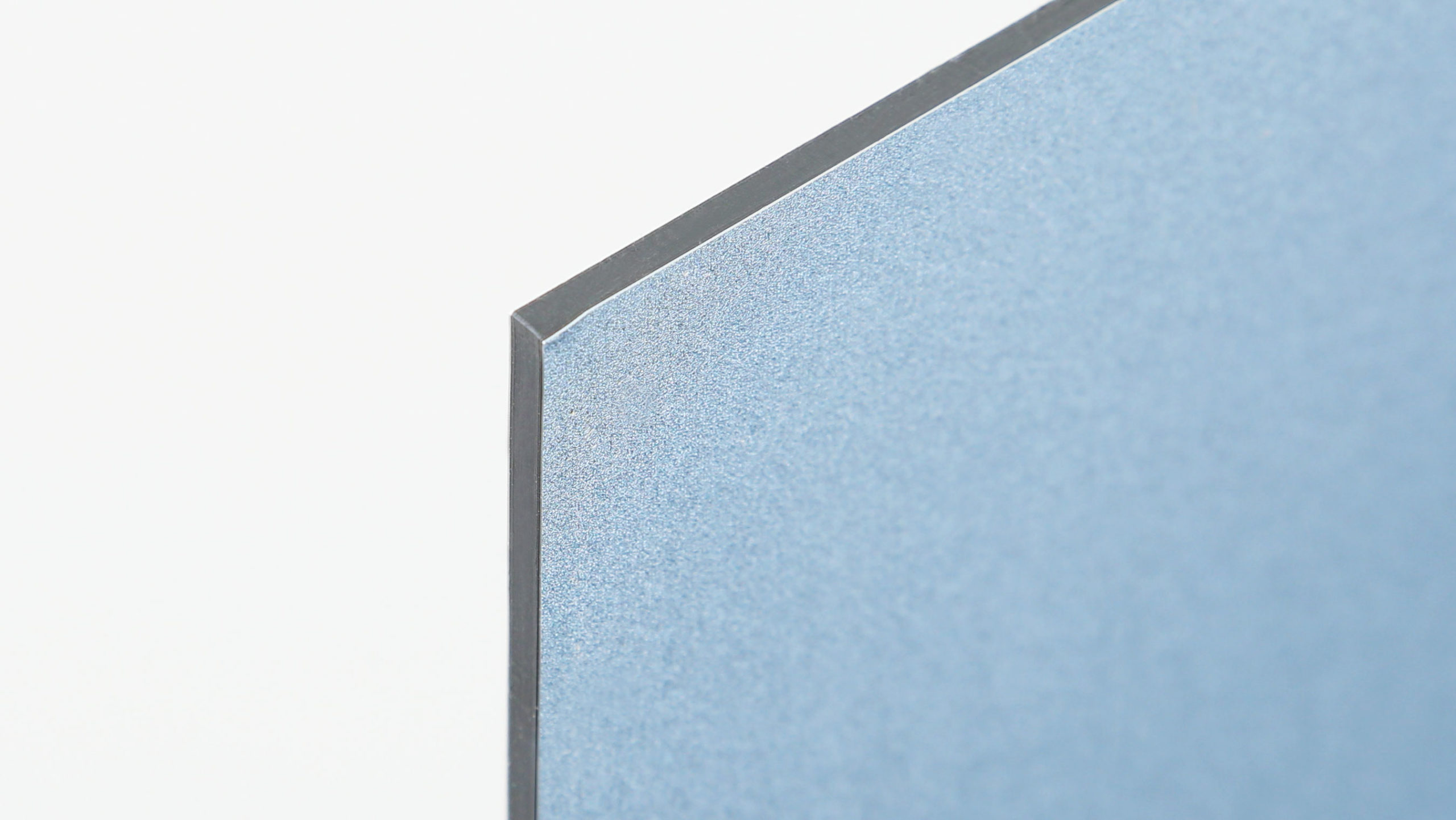
Smartpress’ online printing services offer superior banner materials and sign substrates. Before you place your order for custom banners, signs and more, check out our high-quality materials (including eco-friendly green alternatives) to find the one that best suits your online printing project. Banner Materials & Sign Substrates Aluminum Composite – White Lightweight and rigid […]
Read more› -
Decal Printing FAQ
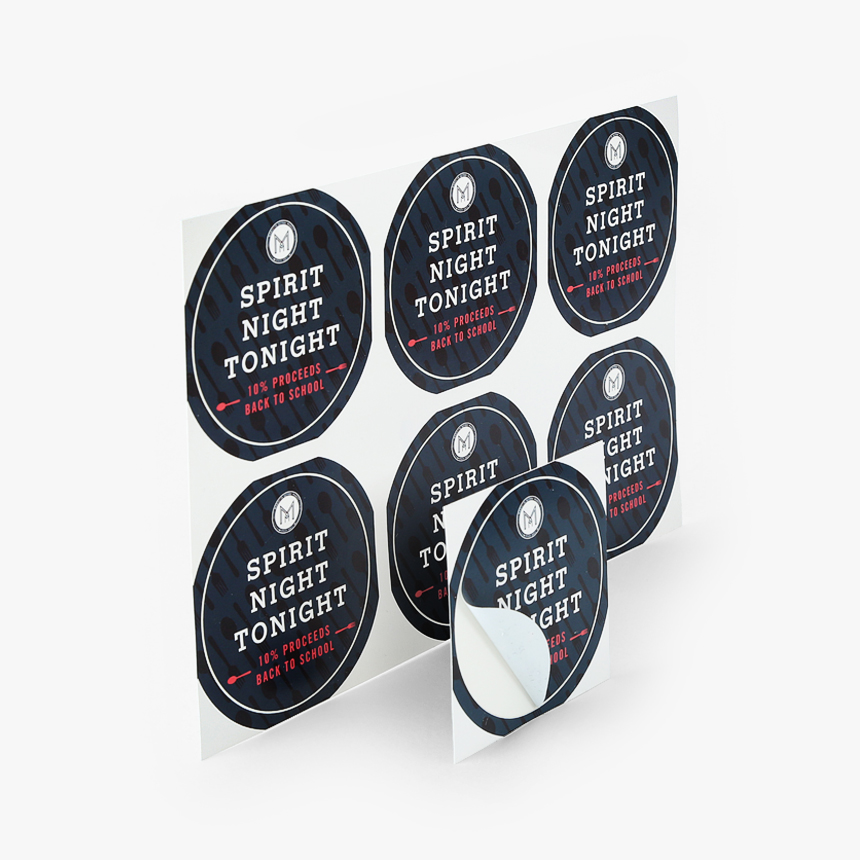
Have a question about printing custom decals? Check out these decal printing FAQ and learn about our permanent and removable stocks, die cutting and more. What sizes are available for decal printing? You can design custom decals for online printing in any size and shape. When you enter your desired dimensions in the Finished […]
Read more› -
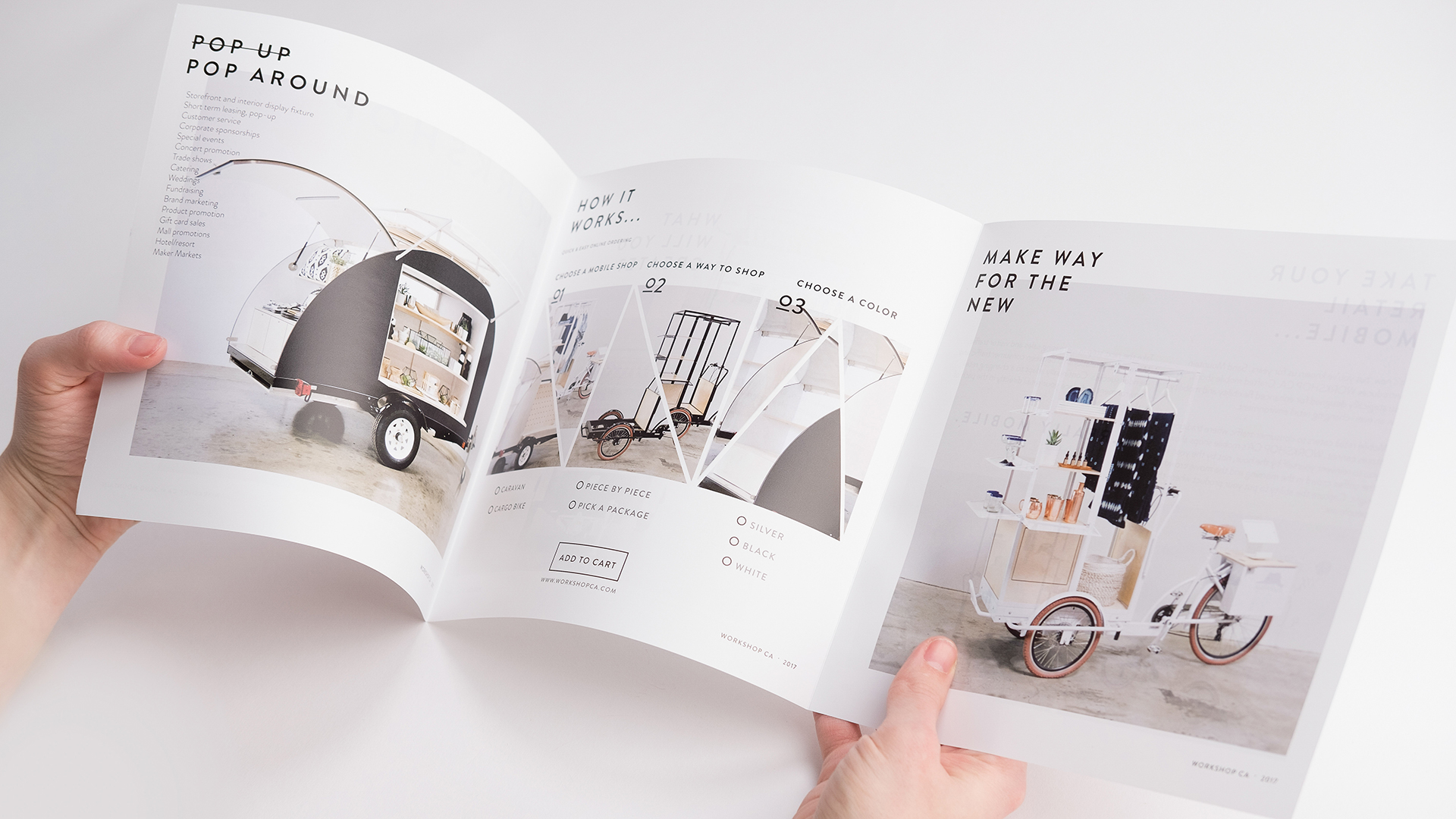
Brochure Printing FAQ
Have a question about printing custom Brochures? Check out these brochure printing FAQ and learn about our paper stocks, coatings, folding options and more. What sizes are available? You can design custom brochures for online printing in our predetermined sizes or use custom dimensions. When you enter your desired dimensions in the Unfolded Size […]
Read more› -
Poly Mailer Printing FAQ
Have a question about printing poly mailers? Check out these poly mailer printing FAQ and learn about our bag materials, bleed requirements and more. What sizes are available? We offer poly mailers in small, medium and large sizes, from 6” x 9” to 19” x 13.5”, with both flat and gusseted styles to accommodate […]
Read more› -
Printing Turnaround Time
Printing Turnaround Time Basics For online printing, turnaround time begins after you have approved your proof, not when you place your order. When a proof is ready for your review, you will receive an email notification with a link to your job. We recommend you add No-Reply@Smartpress.com to your email program’s “safe senders” […]
Read more› -
Payment Options
[…] All prices and amounts shown on this site are in U.S. Dollars (USD) unless otherwise noted. If you submit a request on the site to purchase online printing products, mailing services, design services or other services, you agree that all charges, taxes and shipping and handling fees will automatically be charged to your credit […]
Read more› -
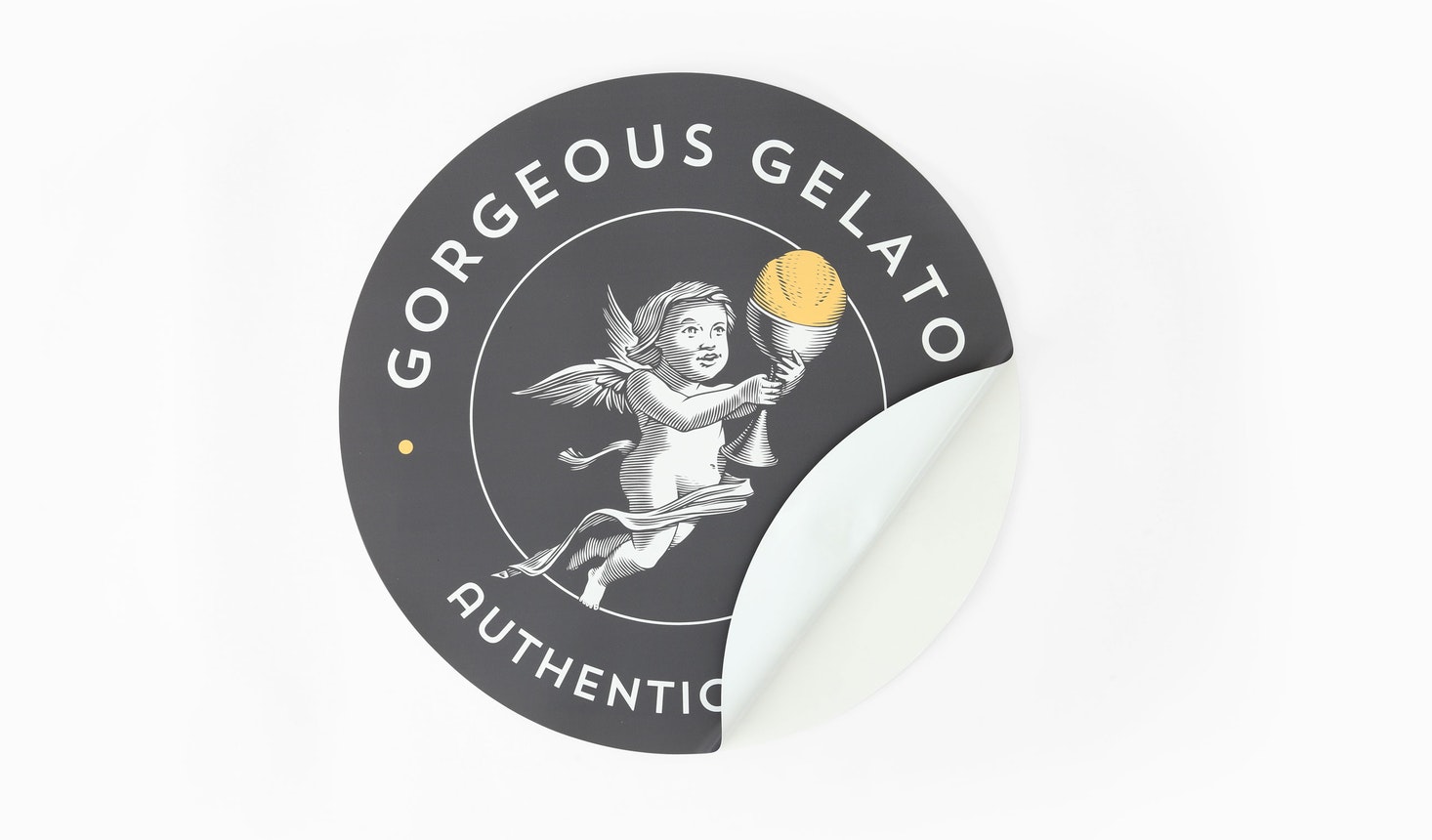
Wall Decals FAQ
Have a question about printing custom Wall Decals? Check out these wall decals FAQ and learn about our materials, surfaces they adhere to and more. What sizes are available? You can design custom Wall Decals for online printing in custom dimensions. When you enter your desired dimensions in the Finished Size fields on the […]
Read more› -
Retractable Banner Stand Graphics Guidelines
Custom Retractable Banners help you promote products and services, advertise events and display marketing messages with vibrant print and a setup that’s so easy. Since pop-up banners come pre-assembled with the vinyl banner rolled in the stand, it’s important to follow our retractable banner stand graphics guidelines so they display correctly. Retractable Banner Stands […]
Read more› -
Graphic Design Tips for Beginners
Designing greeting cards, custom booklets and direct mail for online printing can be intimidating, but it doesn’t have to be. If you’re new to design, begin here with our graphic design tips for beginners. No matter your project or level of experience, Smartpress simplifies the process with our easy online ordering platform and a […]
Read more› -
About Direct Mail
Our online printing experts, along with the information on these pages, ensure the accuracy and success of your direct mail print jobs. Please keep in mind that all delivery dates are estimates and not guarantees. Smartpress.com is not liable for performance failures by the USPS. As an online printer, our responsibility ends when we […]
Read more› -
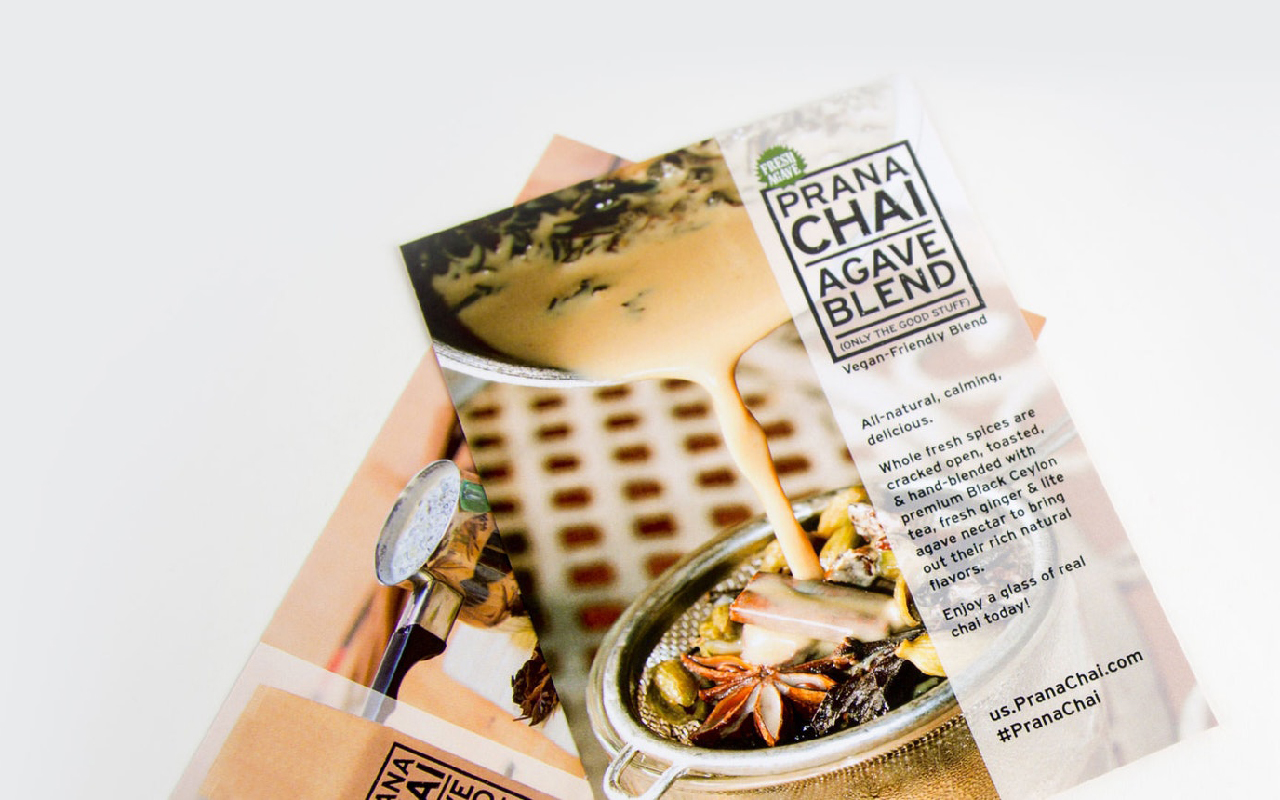
Sell Sheet Printing FAQ
Have a question about printing custom Sell Sheets? Check out these sell sheet printing FAQ and learn about our paper stocks, coatings, proofs and more. What sizes are available? You can design custom sell sheets for online printing in our predetermined sizes or use custom dimensions. When you enter your desired dimensions in the […]
Read more› -
Kitting Services
[…] and nonprofits alike are always looking for ways to streamline processes and work more efficiently. Kitting services can do just that. One of our most convenient online printing services, it saves you time and money and is something to consider no matter how big your operation. What is Kitting? So what do we mean […]
Read more› -
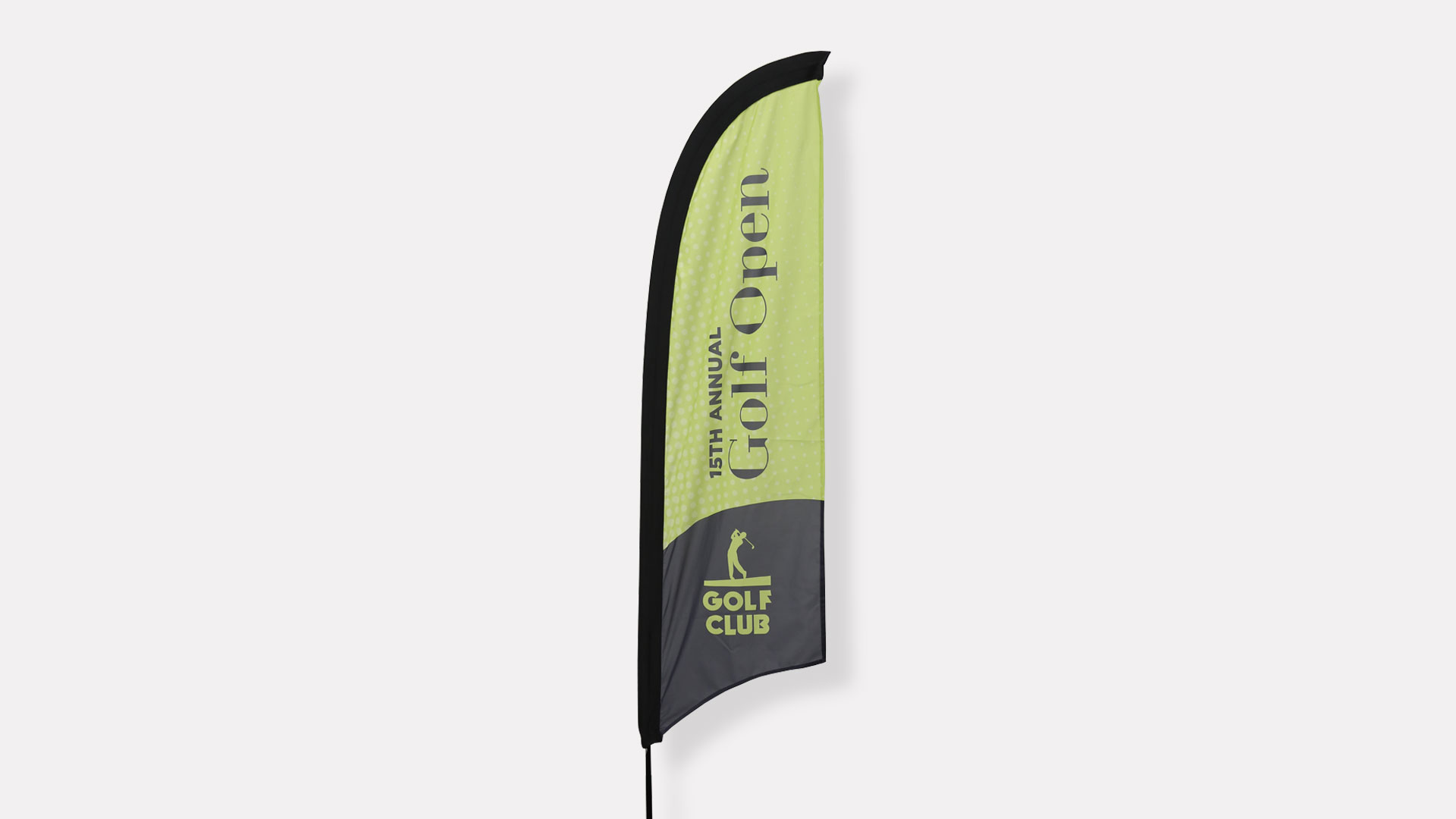
Feather Flag Printing FAQ
Razor Feather Flag Have a question about custom Feather Flags? Check out these feather flag printing FAQ and learn about flag types, material, hardware and more. What types of flags are available? Our custom feather flags are available for online printing in three different shapes (razor, sabre and teardrop), as well as one-sided and […]
Read more› -
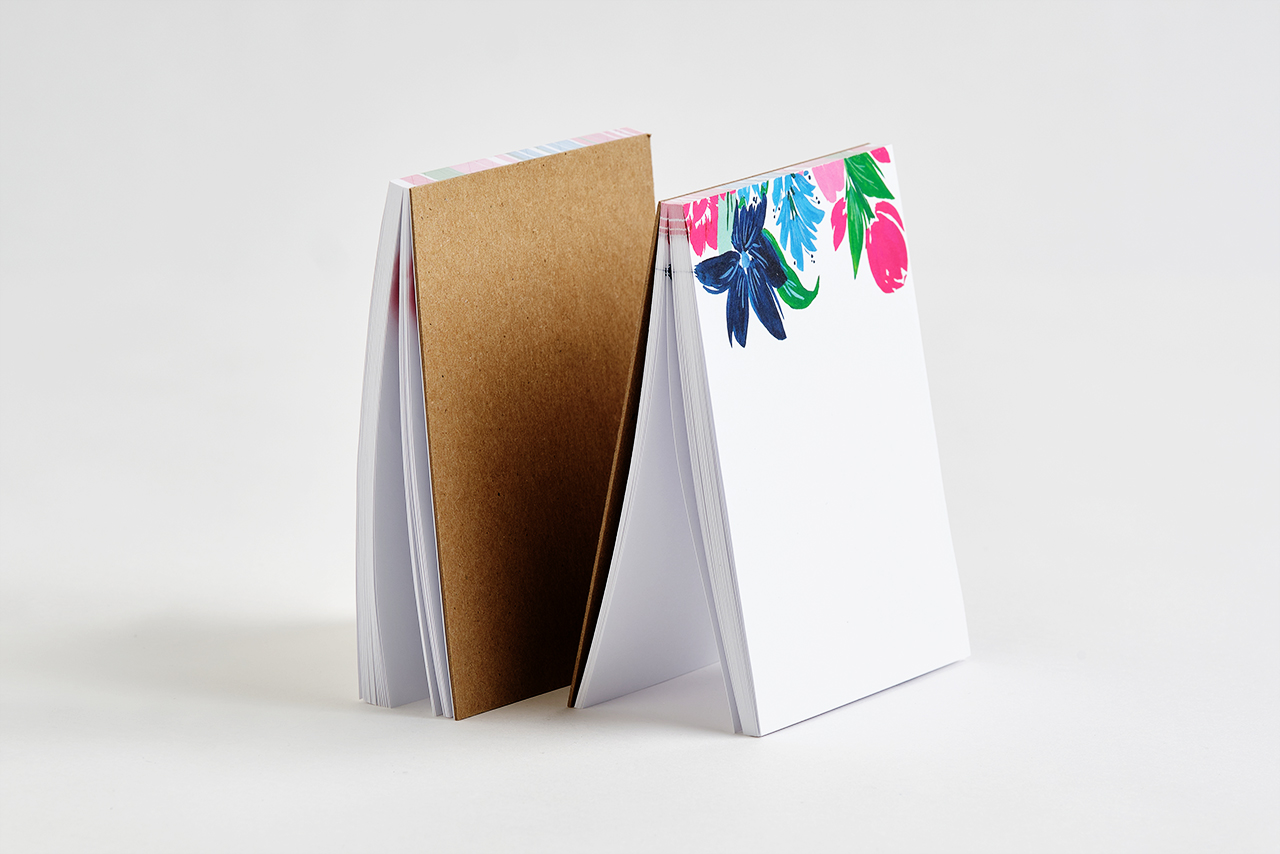
Notepad Printing FAQ
Have a question about printing custom Notepads? Check out these notepad printing FAQ and learn about our paper stocks, double-sided printing, variable data and more. What sizes are available? You can design custom notepads for online printing in our predetermined sizes or use custom dimensions. When you enter your desired dimensions in the Finished […]
Read more› -
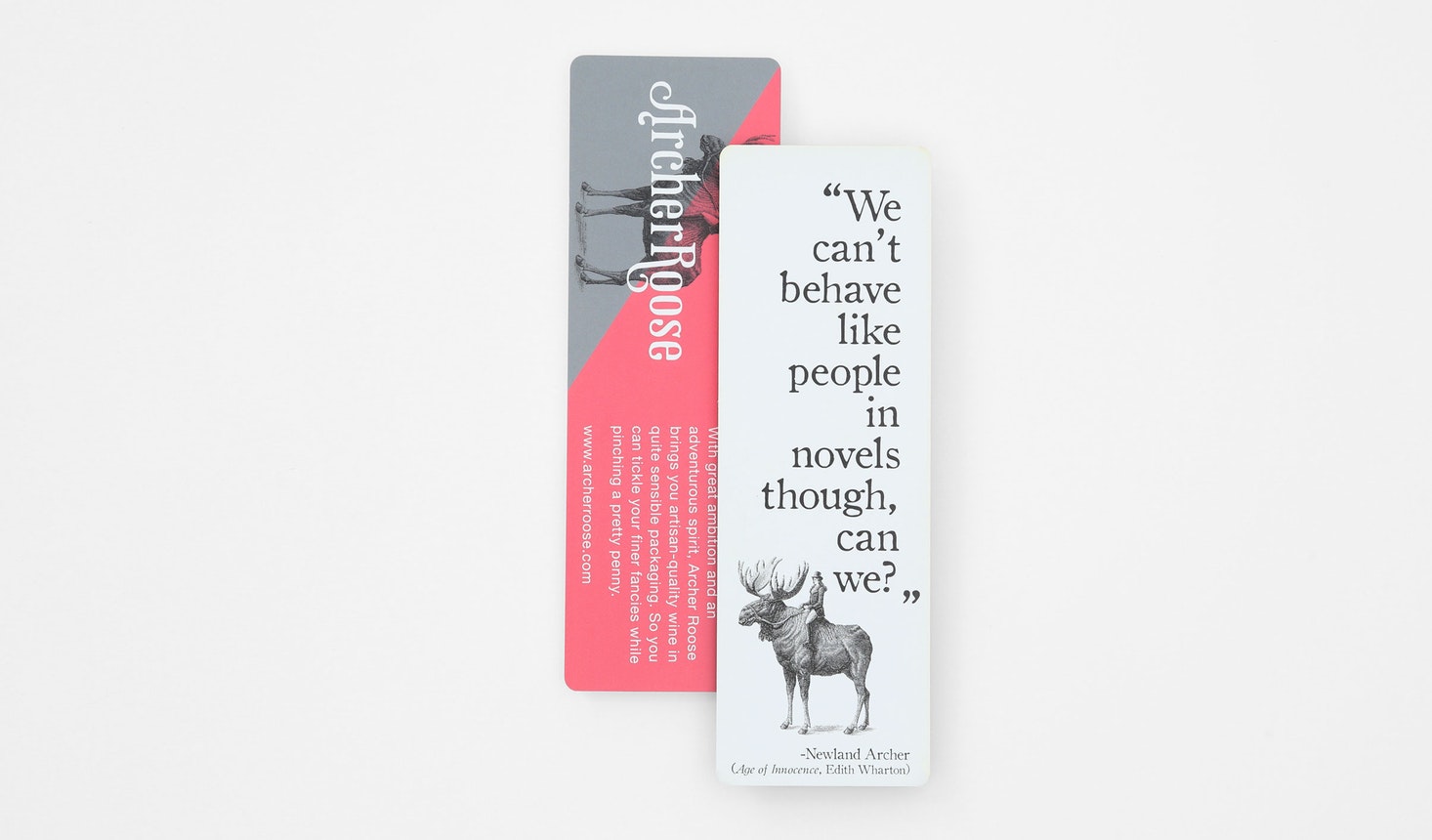
Bookmark Printing FAQ
Have a question about printing custom Bookmarks? Check out these bookmark printing FAQ and learn about our paper stocks, coating options, proofing and more. What’s the standard bookmark size? Common and popular sizes for bookmarks are 2”W x 6”L and 2”W x 8”L. What paper stocks are available? You can design your own bookmarks […]
Read more› -
Large Format File Setup
Large format file setup for online printing can seem daunting, but with a little know-how and a few tips and tricks, you can print banners, canvases, posters and more quickly and easily. Because you’re working at a much larger scale, the minimal PPI is closer to 150 PPI. Small format image files should have […]
Read more› -
Sticker Printing
Creating and printing stickers is so fun and easy with Smartpress’ customizable, cost-effective options. There are multiple sticker printing substrates for almost any need, and when you add digital laser cutting, they can be produced for online printing in any shape you like. Variable data printing, sequential numbering, rounded corners and shrink wrapping can […]
Read more› -
What to Expect With Your Direct Mail Order
[…] the quality of the final piece after it has been through post office processing equipment. Do you want any blanks back? Blanks are extra pieces from the print run that don’t contain addressing. We ship these back to you to use as handouts or manually address and mail to additional contacts you may come […]
Read more› -
Recycled Paper Stocks
As you design your business cards, custom booklets or entire direct mail campaigns, you may wonder about the environmental impact of all that online printing. Let’s face it, we still need printed materials, but we don’t need to print them carelessly. Enter recycled paper stocks. As an eco-friendly printer, Smartpress is committed to sustainable business […]
Read more› -
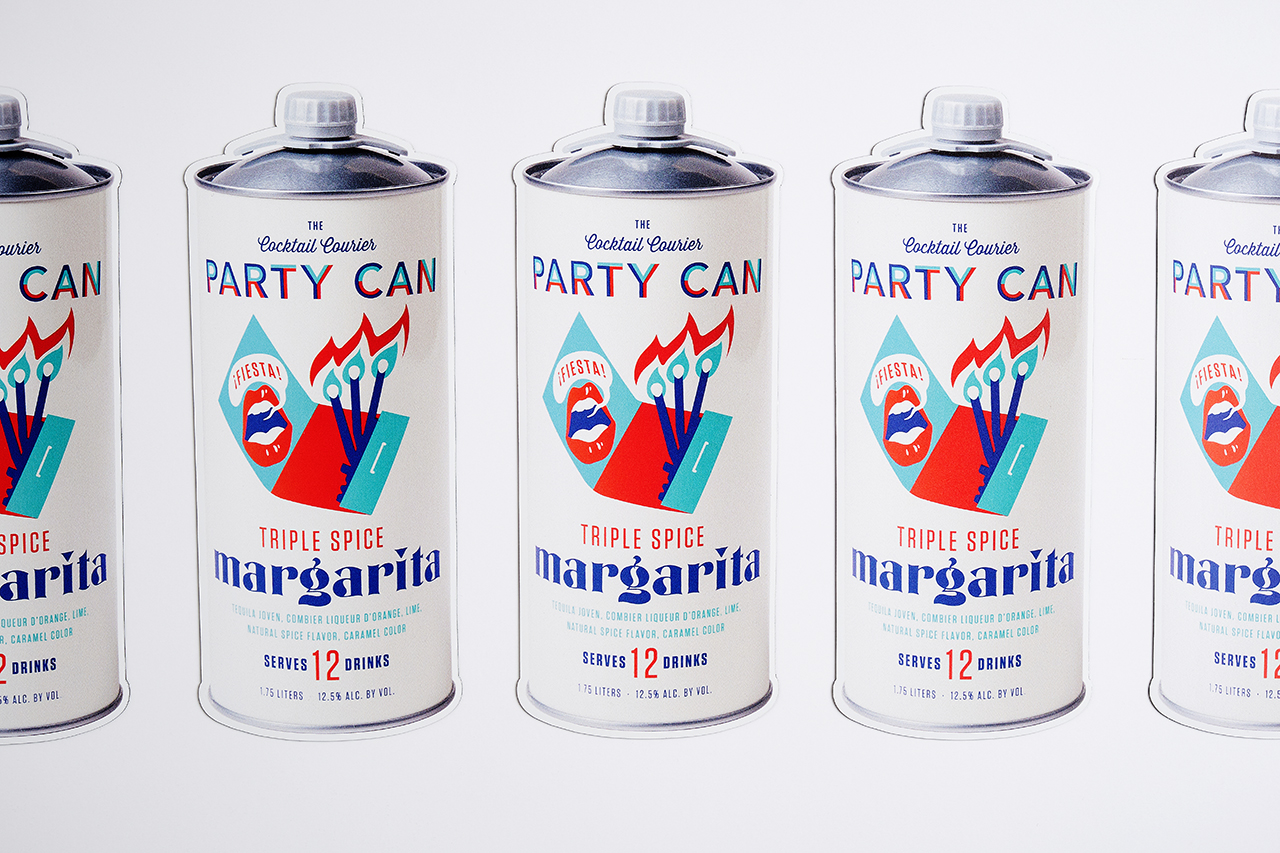
Digital Die Cutting
Online printing with Smartpress is synonymous with high-quality materials, expert service and eco-friendly business practices. Included in that? Premium digital die cutting on our large format products. If you’re creating projects like wall decals and car magnets and die cutting is one design option you don’t want to miss. What is Digital Die Cutting? […]
Read more› -
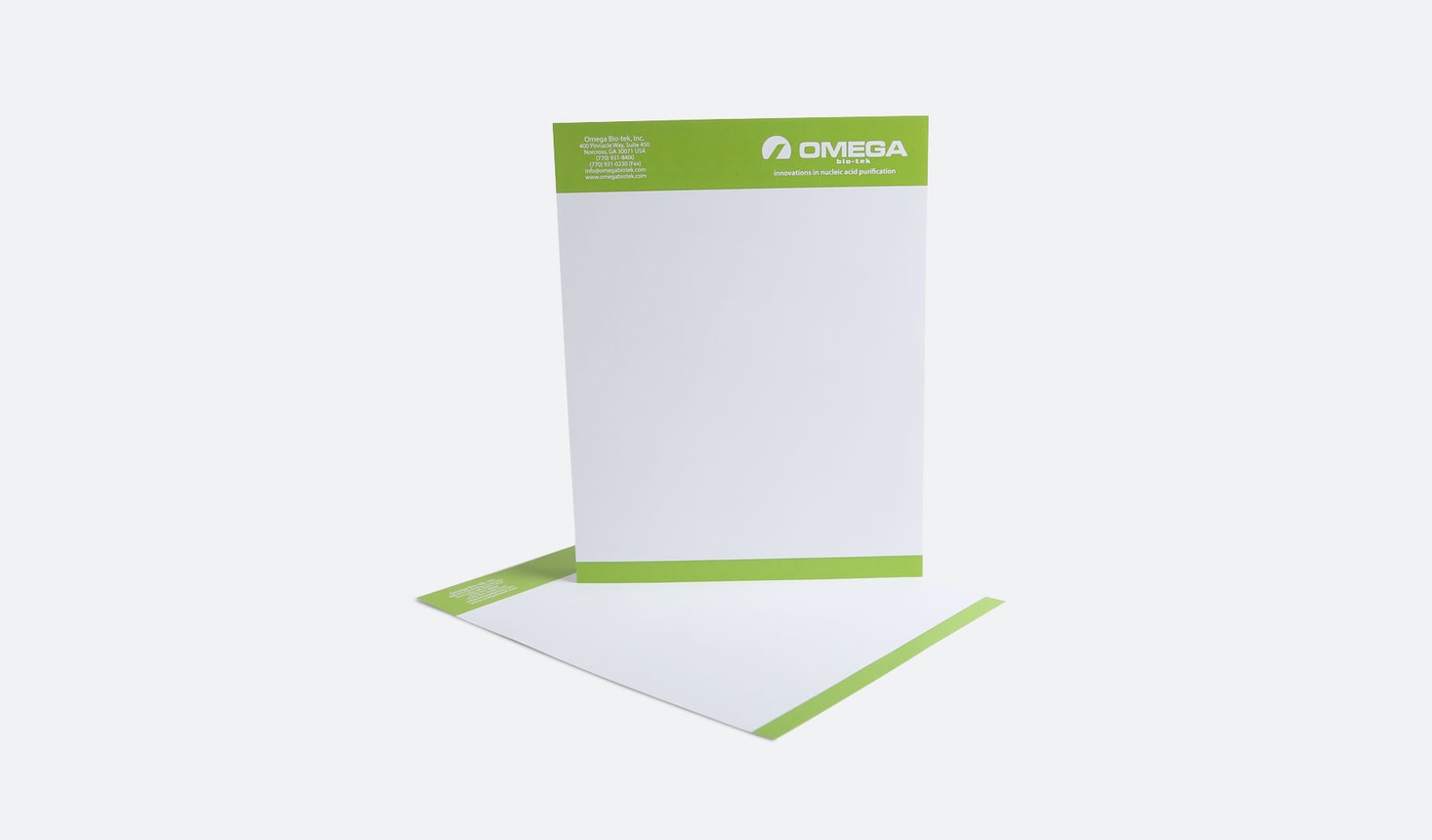
Letterhead Printing FAQ
Have a question about printing custom Letterheads? Check out these letterhead printing FAQ and learn about our paper stocks, designing letterheads, envelopes and more. What sizes are available? Our custom Letterheads are available for online printing in the standard 8-1/2″W x 11”L size. What paper stocks and weights are available? As a premium online […]
Read more› -
Printing with UV Coating
Protect your online printing projects with a UV coating. Especially beneficial for projects that will be used frequently and handled often, it’s ideal for guarding against scratches, moisture and general wear and tear. Part of Smartpress’ online printing services, UV coating is applied in liquid form and exposed to ultraviolet light. This light bonds […]
Read more› -
Submitting Artwork for Printing
When uploading your print-ready files and submitting artwork for printing at Smartpress, you accept full legal liability for the content of material processed and printed on your behalf and under your instructions. Submitting Artwork for Printing You Must Have the Rights By submitting the artwork to Smartpress, you certify that you have the right […]
Read more› -
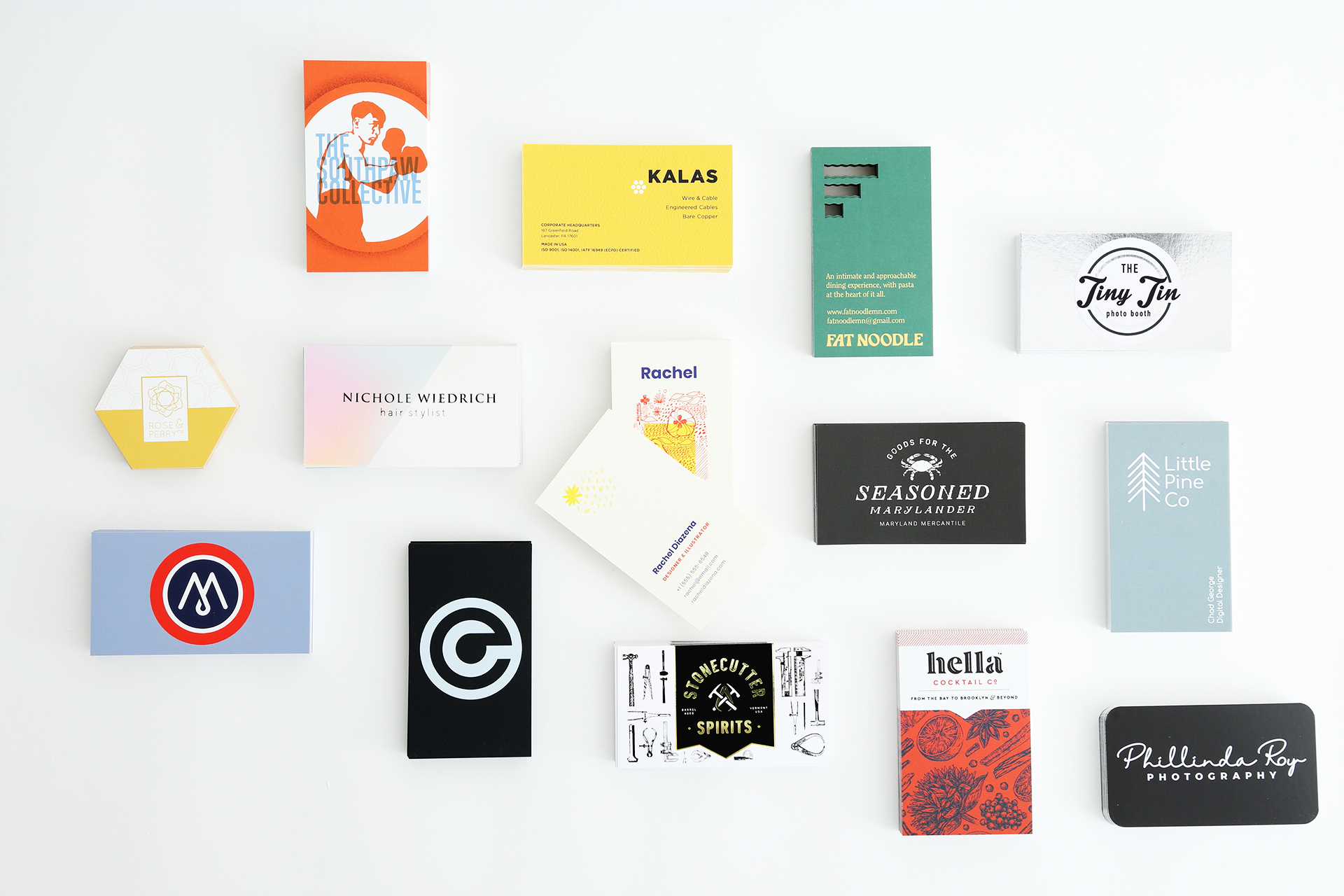
Business Card Printing FAQ
Have a question about printing custom Business Cards or Premium Business Cards? Check out these business card printing FAQ and learn about our paper stocks, coating options, logo sizes and more. What’s the difference between Business Cards and Premium Business Cards? Our Business Cards and Premium Business Cards are similar but Premium Business Cards […]
Read more› -
Coated Paper Stocks vs. Uncoated Paper Stocks
[…] if booklet paper really affects your bottom line. Take a look at the difference between coated and uncoated paper before creating and preparing your project for online printing. Indigo Treated – Coated Paper Stocks With coated paper, the first thing you’ll notice is the shine, whether it’s high and glossy or subtle and matte. […]
Read more› -
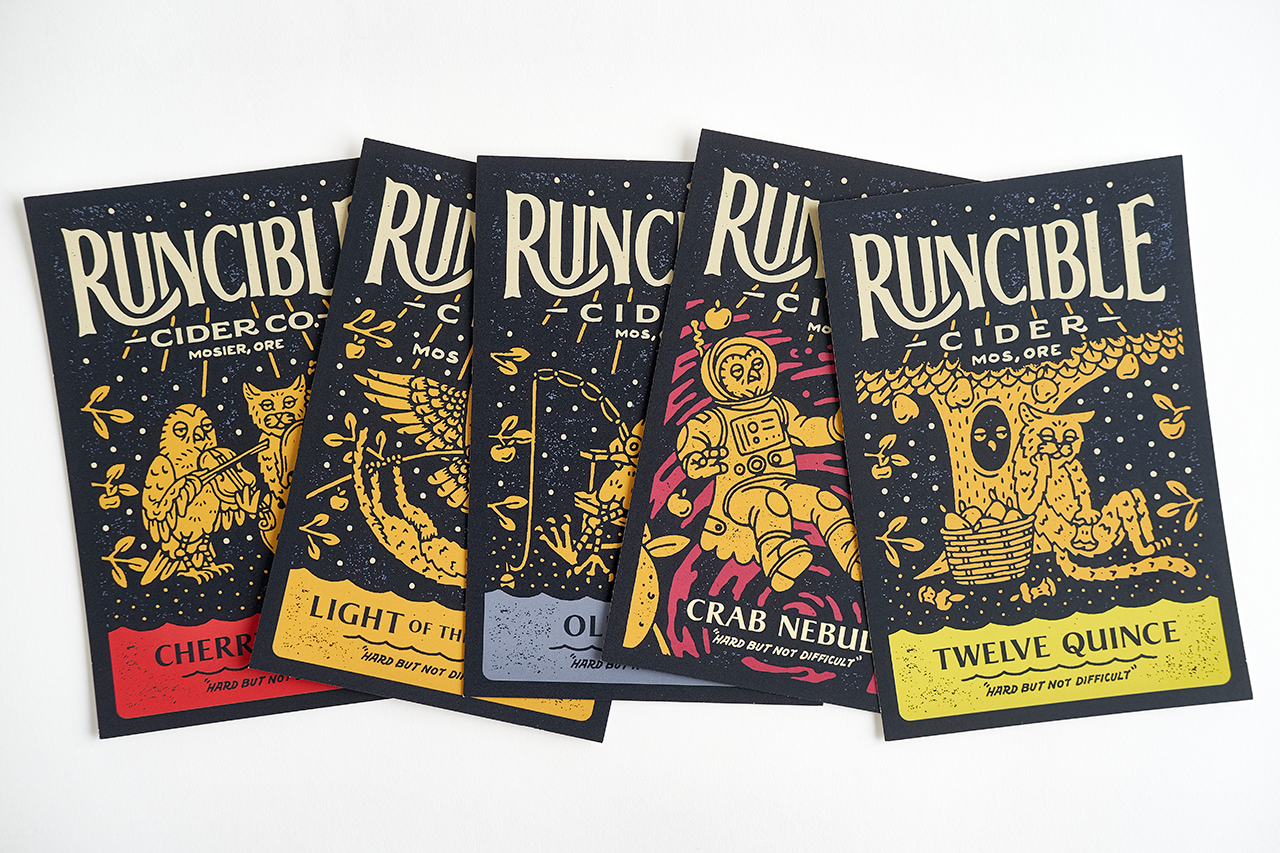
Postcard Printing FAQ
Have a question about printing custom Postcards? Check out these postcard printing FAQ and learn about our paper stocks, coating and lamination options, mailing and more. What sizes are available? You can design custom Postcards for online printing in our predetermined sizes or use custom dimensions. When you enter your desired dimensions in the […]
Read more› -
Postcard Marks, Smudges & Scratches
Have you ever received a postcard in the mail with marks, smudges or scratches? These postcard marks aren’t online printing errors or defects, they’re actually an occasional reminder of the incredible journey that direct mail pieces take as they travel through the postal system to your mailbox. On its journey, your mailer passes through […]
Read more› -
Business Card Printing
[…] comes to making first impressions. They offer insight into your company and brand, as well as personal contact information for prospective vendors and clients. With business card printing, you want something that will get noticed and stay top of mind. With Smartpress’ online printing services, there are so many ways to make your business […]
Read more› -
Acrylic vs. PETG
Designing custom signs and not sure where to begin? Our online printing services offer a wide variety of materials to make your own signs. Two you’re likely to be familiar with are acrylic and PETG. Whether you have your own design or are following our sign printing templates, find out what the differences are […]
Read more› -
How to Hang Your Banner
[…] determines how best to install them. Will you be hanging your custom banners on stands? From the ceiling? Inside or outside? As you design yours for online printing, these are important questions to consider before you learn how to hang your banner. As part of our online printing services, we offer many finishing options […]
Read more› -
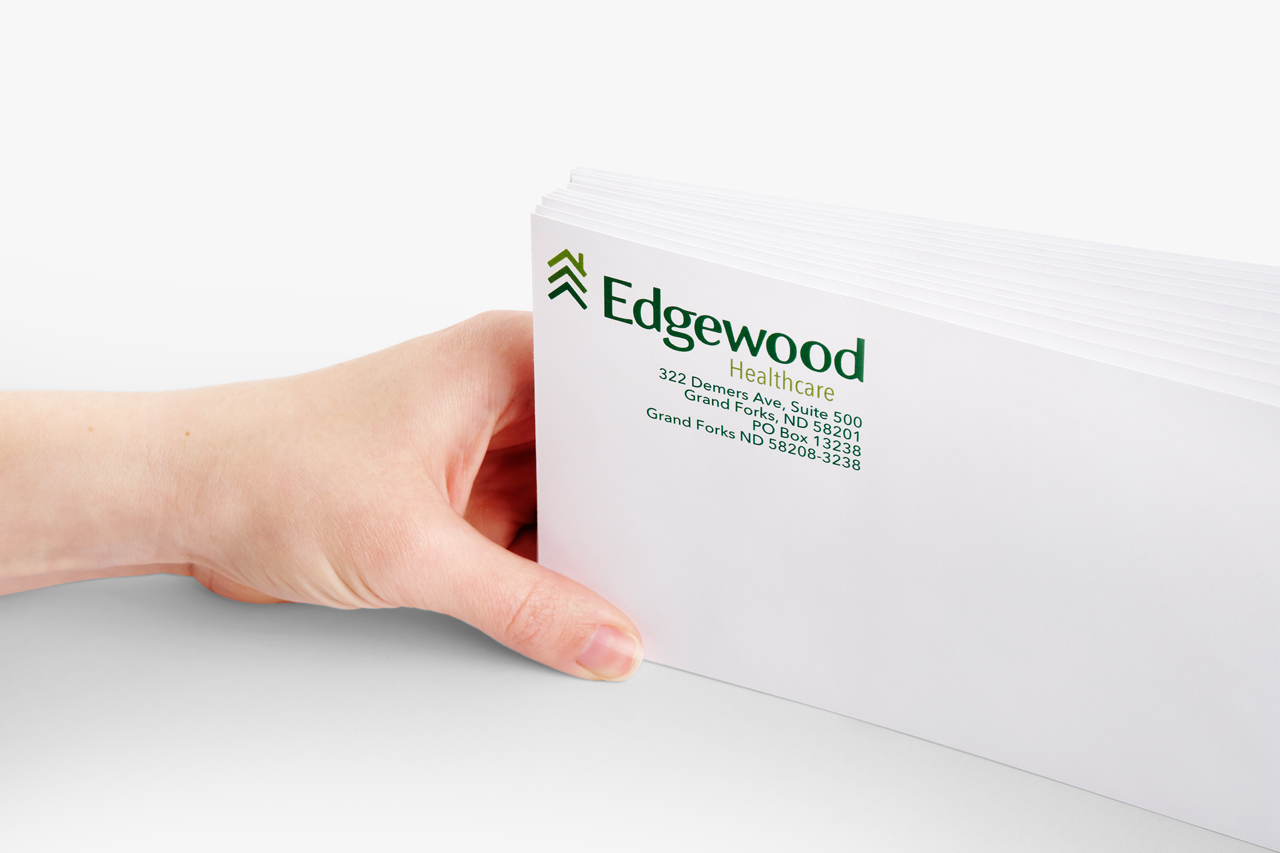
Envelope Printing FAQ
Have a question about printing custom Envelopes or Business Envelopes? Check out these envelope printing FAQ and learn about our sizes, paper stocks, mailing options and more. What’s the difference between Business Envelopes and Envelopes? Our Business Envelopes are ideal for business communication and marketing collateral and offer sizes and mailing options that suit […]
Read more›
Filter Results By:
Showing 1-100 out of 129 results