Custom Foil Printing
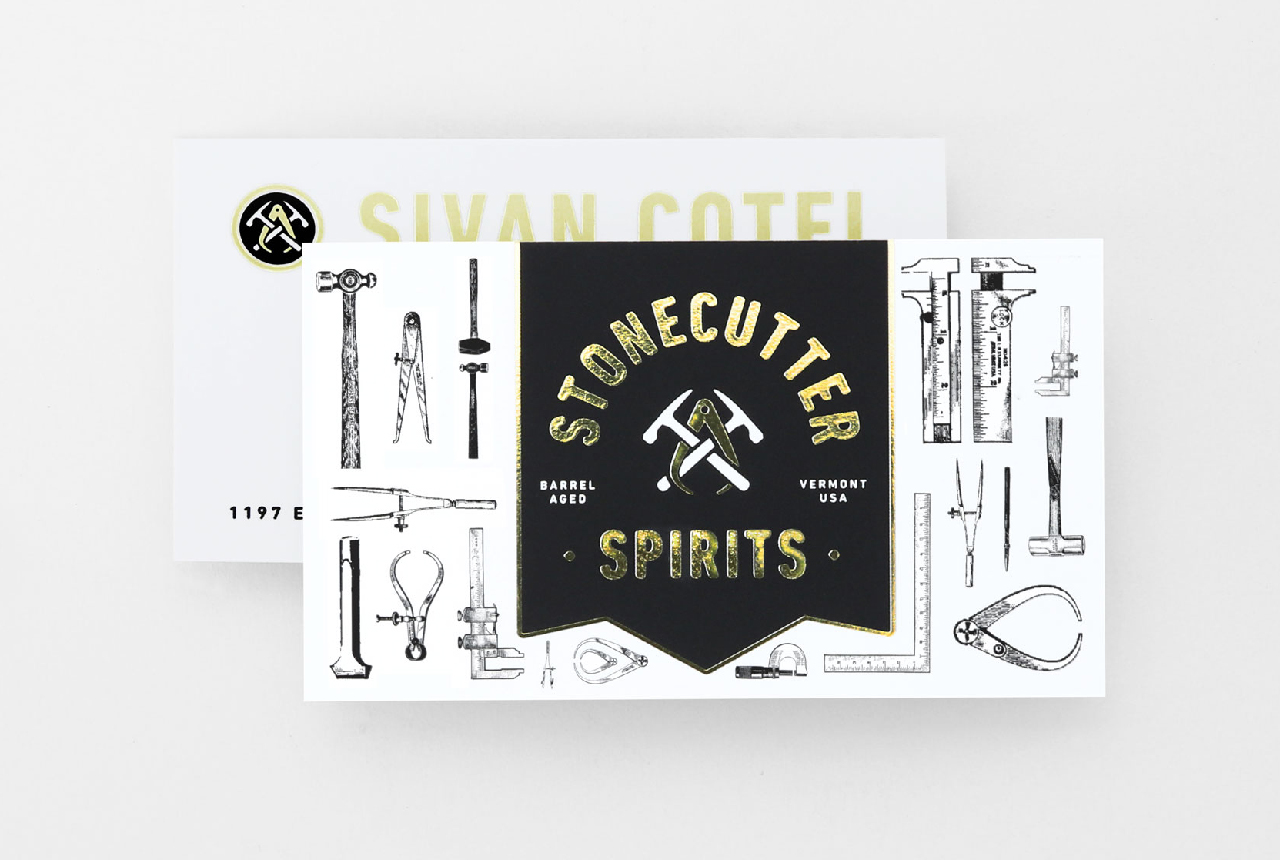
Custom foil printing adds a reflective, dimensional-looking finish to printed materials, helping stationery, invitations, business cards and other marketing pieces stand out. From holographic business cards to greeting cards with gold accents, foil printing adds a premium finish to your printed communication.

What is Foil Printing?
Foil printing adds a reflective finish to specific areas of a printed piece. Unlike traditional foil stamping, Smartpress uses a digital Sleeking™ process, which uses heat and pressure to fuse foil to printed ink rather than directly to the paper. This creates a brighter, more reflective finish than metallic ink.
Digital Sleeking also provides more design flexibility than traditional foil stamping. Because the process does not require a custom metal die, it can reproduce fine details and complex designs.
Smartpress offers digital foil printing in a handful of colors, including gold, rose gold, silver and holographic. Clear spot gloss is also available and allows the color printed underneath it to show through, while adding a glossy, reflective finish.

Foil Products
You can add foil to a variety of printed products. Take a look at our selection here: Foil Printing. Digital foil products all come finished with Soft Touch laminate, which adds a smooth, suede-like feel while helping protect the printed piece from wear.
Foil can also be added to other products through a Custom Quote. For example, you can request gold foil printing announcements, silver foil printing on save the date cards and foil on other custom products.
Print-Ready Files & Foil
When preparing your print-ready files and placing your order, clearly indicate which areas of your artwork should receive foil. You can specify foil in either of these ways:
- Add dedicated foil layers to your file. See How to Add Foil for instructions.
- Provide foil instructions with your order.
When saving your PDF, include layers and vector graphics for the areas where foil will be applied. Vector artwork helps preserve fine details and clean edges. If you need help preparing your file, contact customer service and our print experts will be happy to help.
Foil Printing Design Ideas
Keep these tips in mind when designing a project with foil:
- Foil works best on coated paper stocks, such as coated matte, coated gloss or coated semigloss 2 sides (C2S).
- Avoid uncoated or textured stocks, as well as text-weight stocks.
- Avoid extremely thin lines and very small fonts when designing foil elements.
- Combine any foil color with black or full-color ink to create contrast and visual depth.
- Use foil as an accent for scripted fonts, headlines and other text.
- Try using a full flood of foil in the negative space of your design for high-contrast effects.
- Foil can be added to one side of cards and invitations. For folded pieces, foil can be added to both the front and back, but not the interior.
Video Tutorial: How to Design With Foil Printing & Other Specialty Finishes
Learn how to design with foil and other finishes with our School of Print Design video series.
Learn more: Foil Book Covers: How to Put Specialty into Your Strategy, Introducing Spot Gloss: A Radiant, Reflective Finish, Introducing Rose Gold Foil: Add Allure to Print Marketing & More, Luxury to the Letter: Introducing Foil Cards & Invitations, Hello Shine: Introducing Foil Greeting Cards
-
Foil Printing FAQ
Have a question about custom foil printing? Explore these foil printing FAQs to learn about available foil colors, artwork setup, recommended paper stocks, bleed requirements and specialty finishes. Want to learn how to prepare your artwork for foil printing? Watch this quick tutorial: What is foil printing? Foil printing is a specialty printing process that […]
Read more› -
Business Card Printing
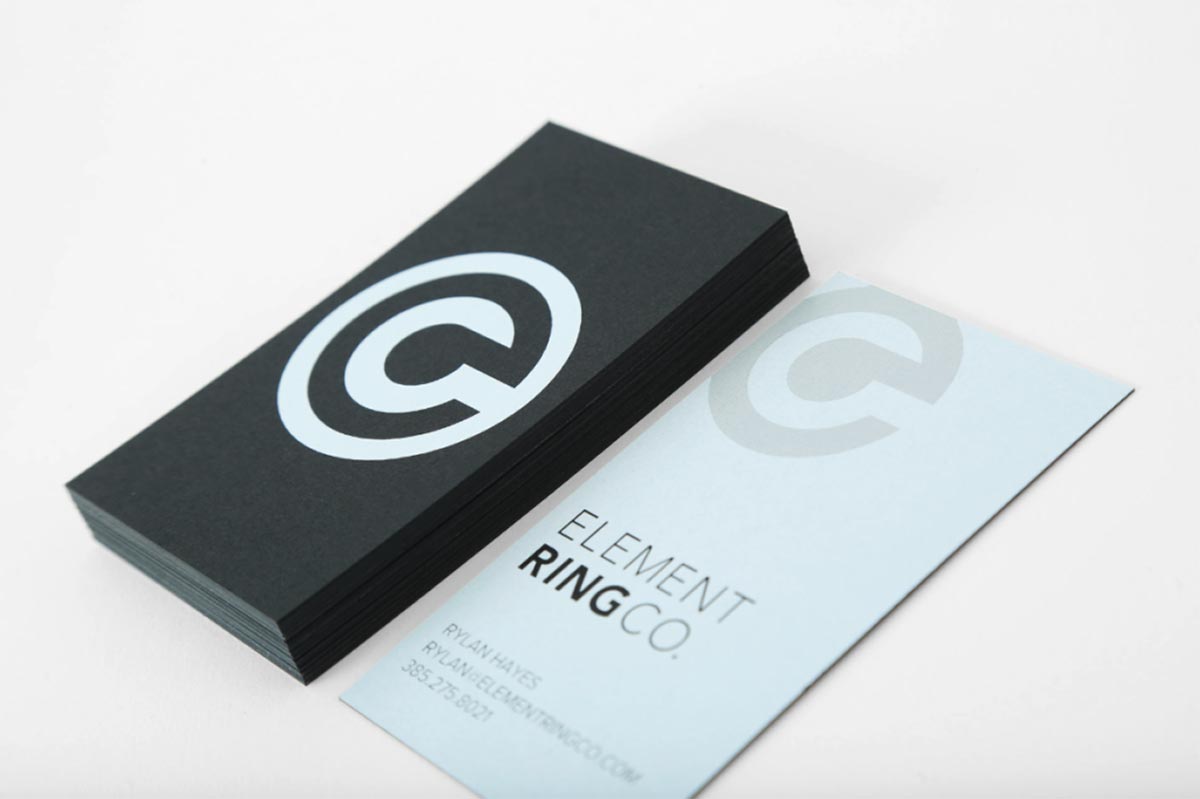
Business cards are an important means of communication, especially when it comes to making first impressions. They offer insight into your company and brand, as well as personal contact information for prospective vendors and clients. With business card printing, you want something that will get noticed and stay top of mind. With Smartpress’ online printing […]
Read more›