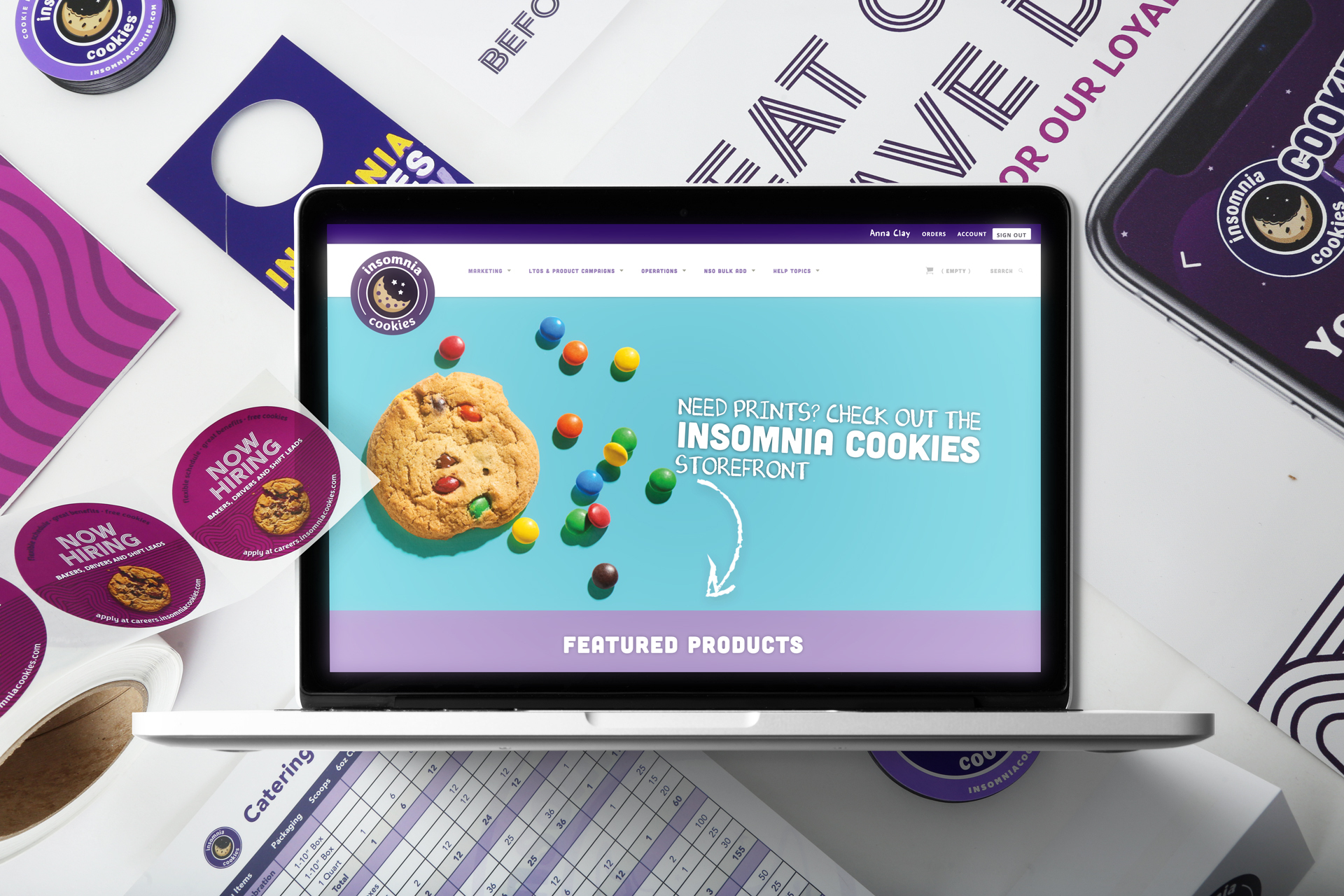
About Smartpress’ Business Hub

Managing your marketing materials shouldn’t feel like a full-time job. With Smartpress’ Business Hub (formerly My Products), you can organize, store and reorder your branded print assets in one simple place, ensuring your team spends less time searching, fixing mistakes and reproofing and more time getting great work done.
Think of Business Hub as your personal print library: everything approved, organized and ready whenever you need it.
(Take an even deeper dive into the Hub: Business Hub: Your Print Solution for Recurring Marketing Materials.)
What is the Business Hub?
The Business Hub is your centralized workspace for all your recurring print materials. It lets you create and store:
- Approved templates
- Brand kits
- Inventory-backed products
- Variable-content designs
Each item is saved with locked-in specs (think size, paper and finish) so every reorder stays consistent with your brand standards. Once it’s set up, you can reorder with confidence, knowing everything is already approved and ready to go.
Where to Find the Business Hub
You can find the Business Hub in two simple steps:
- Log in to your Smartpress account. (Not registered? Do it here!)
- Find the Business Hub tab in the left-hand navigation.

There you’ll see templates for assets you’ve already created or you can create your very first one.
What You Can Do With Business Hub
Business Hub is designed to give you control without complexity. Here’s how it helps your team work smarter:
Keep Your Brand Consistent
- All products use approved specs and designs
- No more guessing about sizes, finishes or files
- Every order matches your brand standards
Save Time on Reorders
- Proof once – reuse forever
- Skip repetitive setup and approvals
- Reorder in just a few clicks
Collaborate Easily
- Give multiple users access
- Share templates across teams or locations
- Reduce back-and-forth with designers
Personalize at Scale
- Create templates with variable text or images
- Customize by location, language or audience
- Maintain consistency while staying flexible
Simplify Fulfillment
- Optional storage and fulfillment services (storage and pick fees apply)
- Easy reordering from inventory
- Low inventory alerts – we let you know when it’s time to reorder (less managing on your end!)
Build Kits and Packages
- Create welcome kits, media kits and bundles
- Combine multiple items into one order
- Streamline multi-piece projects
Manage Billing
- Consolidated Net 30 invoicing for qualified businesses
- Easier tracking for enterprise teams
- Allocate budgets for different users to redeem on print assets for their specific needs
Who is Business Hub Best For?
Business Hub works especially well for:
- Small to mid-sized businesses
- Growing teams
- Multi-location brands
- Marketing departments
- Nonprofits and organizations
It’s ideal for teams with about 10–20 users who want shared access without the complexity of a full enterprise system.
You can choose:
- One shared account for everyone
- Individual access for specific users
If your organization needs advanced workflows, custom portals or large-scale automation, you can easily upgrade later – without losing your templates.
Who Should Use the Business Hub?
Whether you’re a small business, realtor, wholesaler, artist, nonprofit or in any number of other industries, the Business Hub is a great way to save you time and streamline your workflow. The Hub works particularly well for companies and businesses with around 10-20 users. You can have a shared centralized account or we can assign products to individual users.
Growing into Marketing on Demand
Business Hub is often the first step toward a full Marketing on Demand Platform™ (MOD). When your needs grow:
- Your templates can transfer over from Business Hub to MOD
- Your setup isn’t lost
- Your workflow stays intact
It’s a smooth transition with no need to start from scratch.
Getting Started With Business Hub
You don’t have to build your Business Hub alone. Our team will help you:
- Set up your templates
- Organize your products
- Configure user access
We’ll make sure everything works for your specific workflow before you begin. To get started, reach out to your account representative or contact our sales team at sales@smartpress.com. We’re happy to walk you through it!